thomasm0013
October 27, 2022
Solved

Aggregation of related records --] First value only

  • October 27, 2022
  • 15 replies
  • 0 views

Hello,

when a record type has a (1,n) relation, Appian supports some aggration for those related records ( 'Create Custom Record Field' --> 'AGGREGATE RELATED RECORD FIELDS').

The avaible aggregation functions seem to be dependend on the data type of the 'AGGREGATE RELATED RECORD FIELDS' - in any case, I'm looking for something like FIRST_OF (LAST_OF) so that I can get the first record field(s) of related data records (which are string based).

Maybe a small example: (Author)  <-- (Books) (an author can have many books)

Should be presented in a list

author number of books book title (first) book release year (first)
Scott Lynch 6 The Lies of Locke Lamora 2006
...

What would be a good way to achieve this?

Thank you in advance

Thomas

    Best answer by stefanhelzle0001

    Did you try this?

    https://docs.appian.com/suite/help/22.3/fnc_system_relatedrecorddata.html

    15 replies

    stefanhelzle0001
    Brainy
    October 27, 2022
    thomasm0013
    October 27, 2022

    Hi Stefan,

    I've read the documentation and it looks promising - as of now I'm on a loss where to apply this from within the 'Record Type' GUI (and 'New Custom Record Field). 

    (I'm able to get part of this working from within a 'Expression Rule' though)

    stefanhelzle0001
    Brainy
    October 27, 2022

    I am not sure whether this works in a custom record field. But give it a try and post an update.

    peter.lewis
    Employee
    October 27, 2022

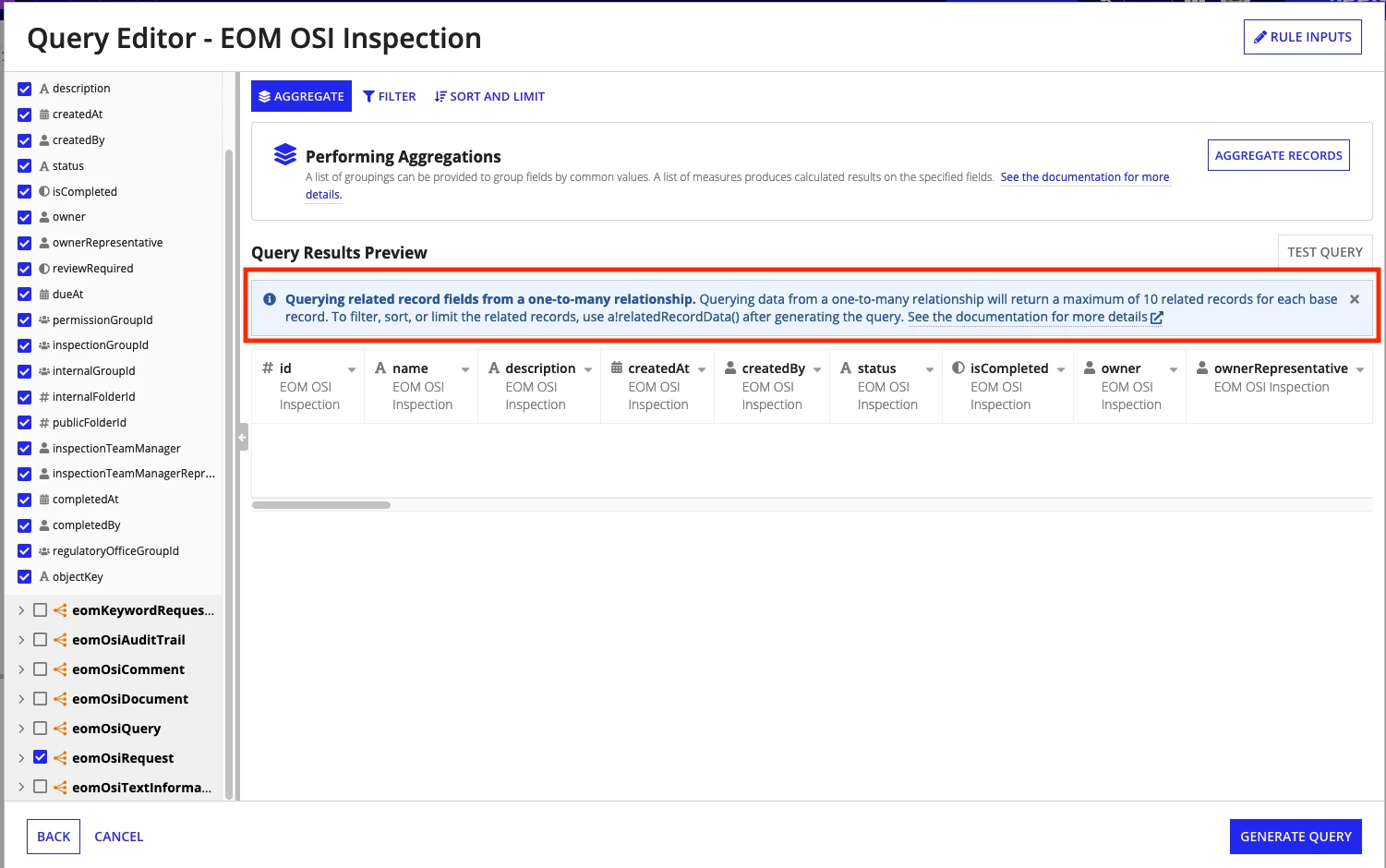
    It's not possible to use the a!relatedRecordData() function in a custom record field, but I still think you can likely get what you need. Can you share more information about your use case? If you just need to display this in a grid, you shouldn't need a custom record field. Instead, just add a!relatedRecordData() to your grid data and configure it to only return one itme.

    For instance, something like the example here would work, do to the same thing in a grid instead: docs.appian.com/.../fnc_system_relatedrecorddata.html

    thomasm0013
    October 28, 2022

    Thank you for the clarification, when building the expression within the query editor it is just fine. As of now, I cannot get to show  the result data (from an expression rule based on a query operating on a record type) in a read-only grid.

    I've built one the appian example (Acme Vehicle).

    Expression Rule (not yet figured out how to share code)

    When pasting this into a read-only grid:

    Could not display interface. Please check definition and inputs. Interface Definition: Expression evaluation error at function a!gridField [line 8]: A grid component [label="Read-only Grid"] has an invalid value for "columns". A grid column [label="Vehicleid"] has encountered an error. Expression evaluation error: Vehicle can only be indexed into using square brackets or the index function

    Probably this is another issue though - thank you.

    stefanhelzle0001
    Brainy
    October 28, 2022

    It seems like you try to reference some field using dot-notation in your grid. Change that to the square brackets notation used for record data.

    thomasm0013
    October 28, 2022

    I assume, the more correct solution is already posted - what also _seems_ to work is (within the record type) the following:

    Add a column to the list (within the record type) and give only the first record for an 1-many relationship, if any. The order would be kind of undefined I assume) - so I'll go with the correct answer already mentioned here.