
August 16, 2022
Solved

configure data source

  • August 16, 2022
  • 4 replies
  • 0 views

Hi All. 

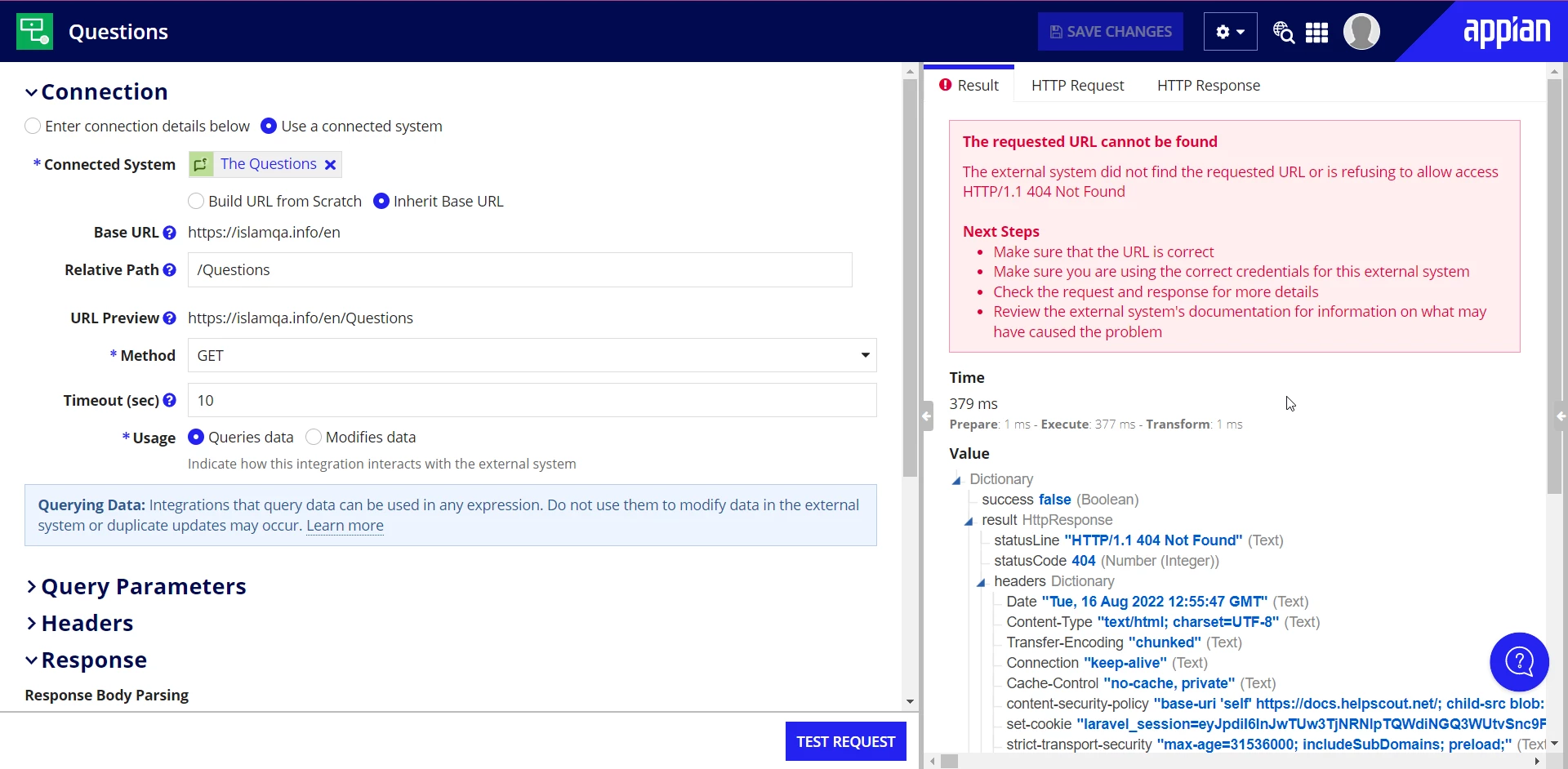
I'm trying to integrate my data from external link, but when I test it. it show me this:

The requested URL cannot be found

error-result-guidance

The external system did not find the requested URL or is refusing to allow access HTTP/1.1 404 Not Found Next Steps

  • Make sure that the URL is correct
  • Make sure you are using the correct credentials for this external system
  • Check the request and response for more details
  • Review the external system's documentation for information on what may have caused the problem
Best answer by alim9650

They asked to put an URL link So, I put the URL of the website that I want create an application for.

4 replies

stefanhelzle0001
Brainy
August 16, 2022

I am not sure why you try to fetch a website. Can you share a screenshot of the request content from the right panel?

alim9650AuthorAnswer
August 17, 2022

They asked to put an URL link So, I put the URL of the website that I want create an application for.

harshitb6843
August 17, 2022

It doesn't work that way. If your use case is to fetch the data from an external website in Appian, then that external website should have the corresponding web APIs for it. 
Checkout this video for more info - www.youtube.com/watch