

pavelgabrielm6540
August 17, 2022
Solved

How can I populate the data of a record type from a field

  • August 17, 2022
  • 5 replies
  • 0 views

Hello, I'm new, I need your help to know if there is a way to populate the Section Layout information as in the image from the id of a related field.
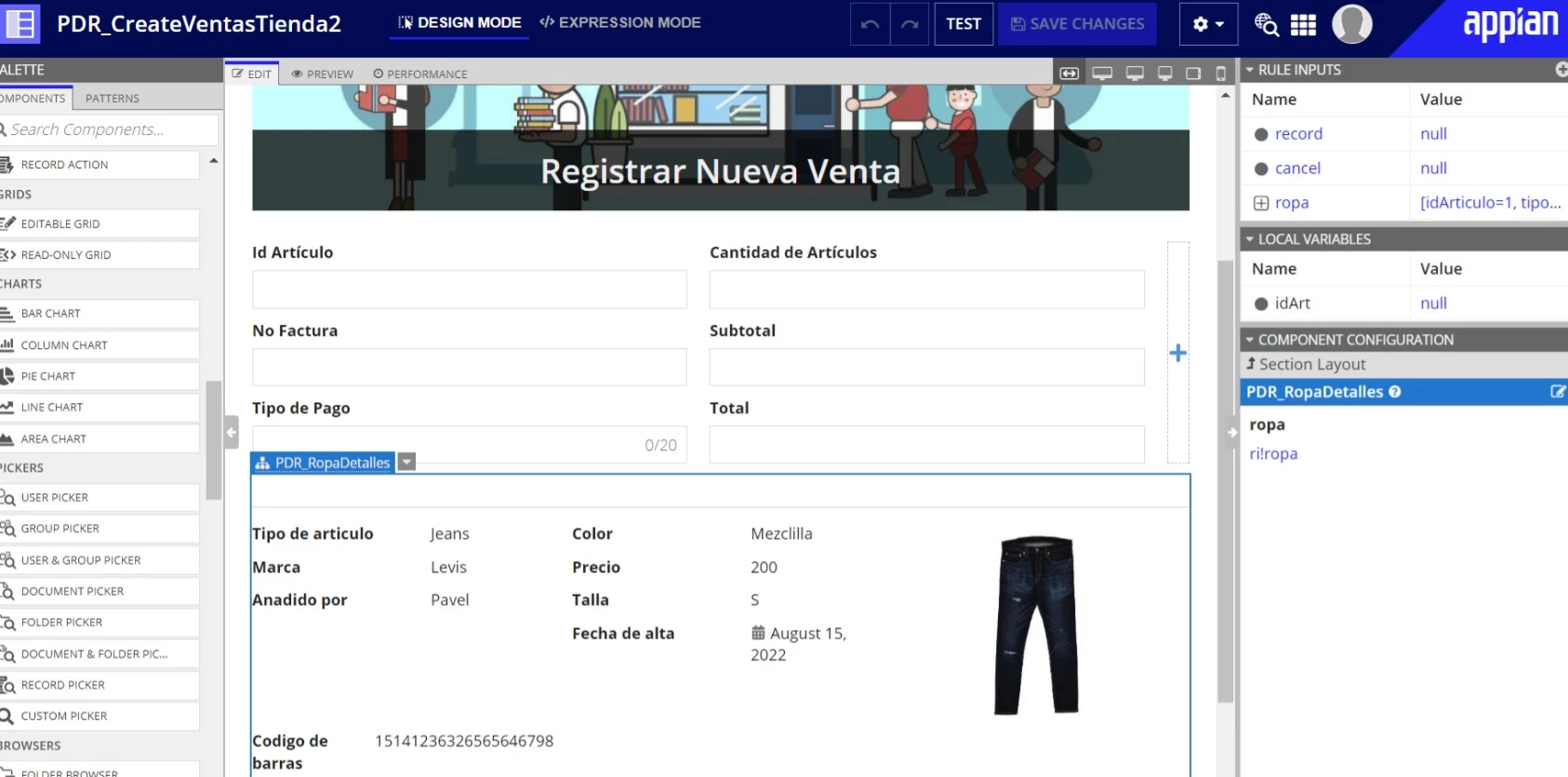
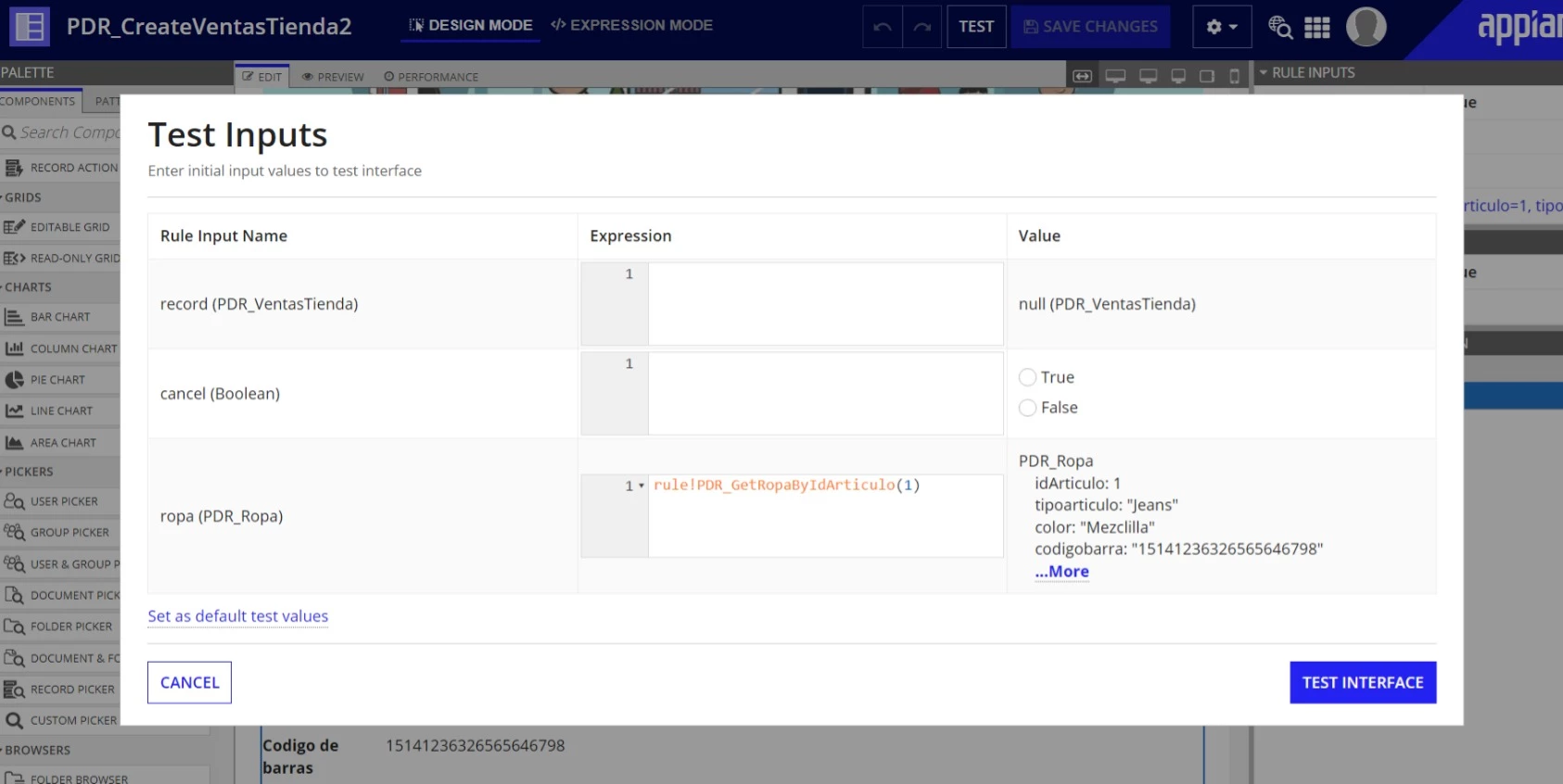
What I have tried is to create a local variable, but I don't know how to put that value in the expression (see the image).
Best answer by deepakg681722

Hey, to populate the data based on record id, you have to create a record and use the summary interface into the views and headers of the record and pass fv!identifier as an input from record. From interface side, you have to query the data from the DB/record based on your ID which you will recieve as a Rule input and show the data into the respec fields.

Note: to query the data from the DB use queryEntity and to query the data from records use queryRecordType

5 replies

August 17, 2022

Hey, to populate the data based on record id, you have to create a record and use the summary interface into the views and headers of the record and pass fv!identifier as an input from record. From interface side, you have to query the data from the DB/record based on your ID which you will recieve as a Rule input and show the data into the respec fields.

Note: to query the data from the DB use queryEntity and to query the data from records use queryRecordType

pavelgabrielm6540
August 18, 2022

[mention:6a17174541734ea98f60de800dbbac95:e9ed411860ed4f2ba0265705b8793d05] thanks for your answer, it works !

August 18, 2022

Really Appreciate your response. Thank you so much!!

omj2851
August 17, 2022

Hi...

Create the a rule expression from the relative CDT & pass the Identifier as rule input in that as parameter. once the parameter received by expression rule, it will return back the required record from the table.

screen shot attached for your reference..

harshitb6843
August 17, 2022

Appian does it for you if you're a beginner. You can click on "Generate Views, " which should do the magic. You can find this button in the record, under views. Let me know if it doesn't work.