September 9, 2022
Question

How to configure an Image to a record Type

  • September 9, 2022
  • 4 replies
  • 0 views

Hello Appian Comunity,

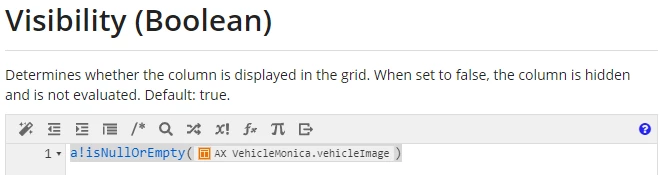
Can you pls let me know and explain which is the proper expression rule when configuring the visibility field for the " only show when " option on the record type object?
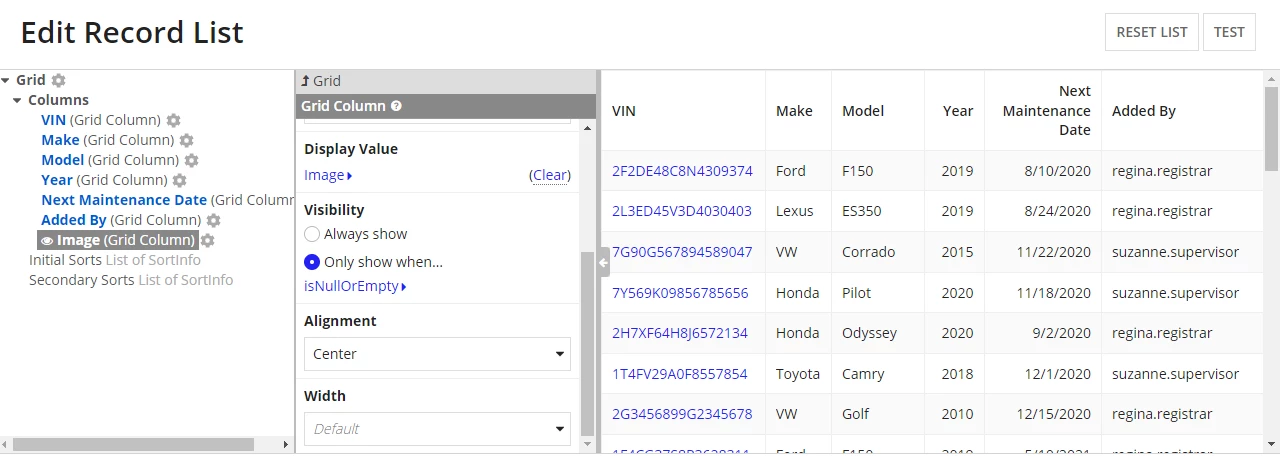
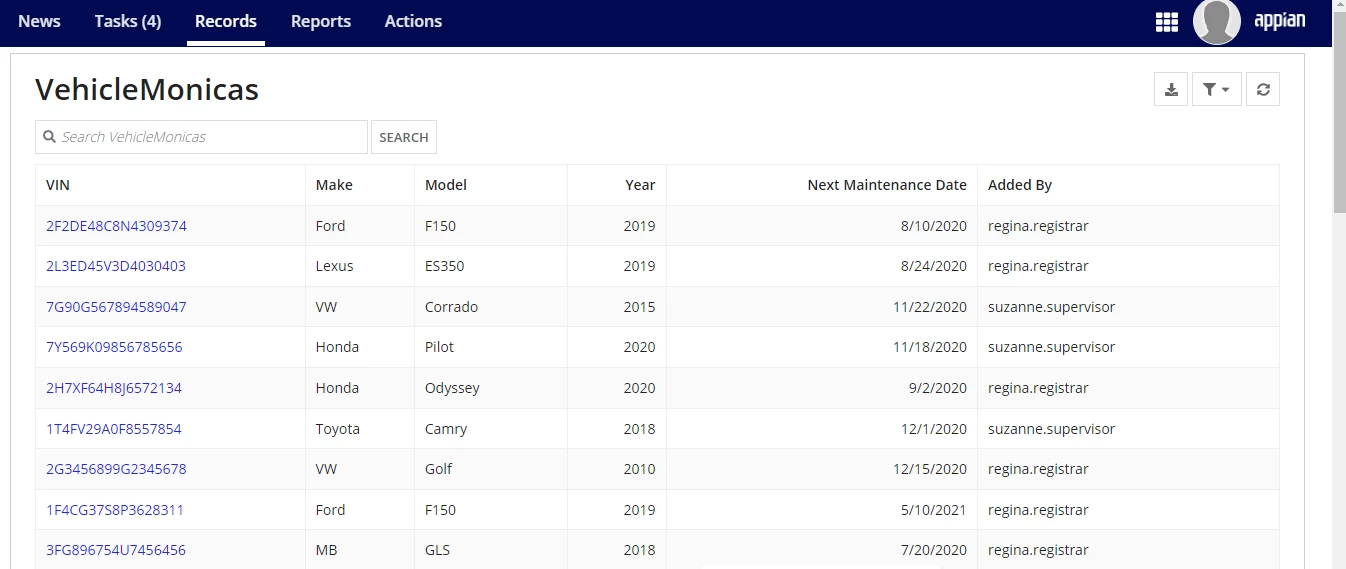
What I´d like to do is to show the image of the car when available.

As I have it right now it doesn´t show the image on the record list.
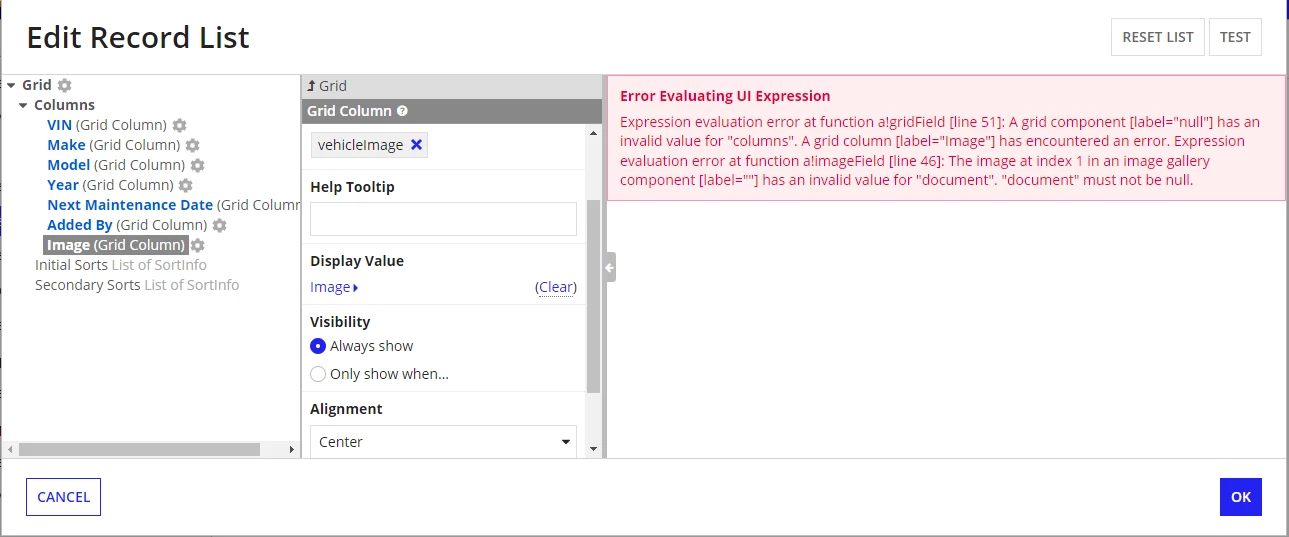
also, can you pls help me understand why if I have the following configuration on the display value, and on the visibility, field selected " always show " I get the error? 
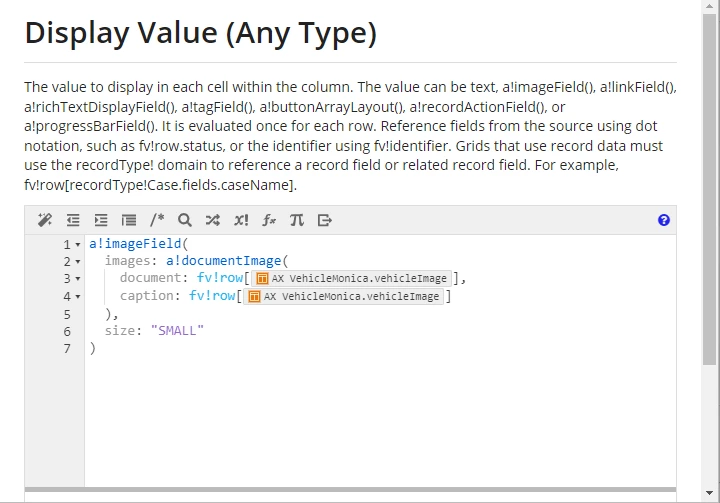
Thanks a lot.

    4 replies

    September 10, 2022

    Hi, Instead of configuring the visibility of grid column, trying handling the null check into the expression of the gridcolumn itself by using if else condition. If the vehicleImage is null or empty then show curly brackets else show document image.

    September 12, 2022

    Thanks for reply,

    should I write the expression on the Display value expression editor of the Image column? can you show me how to write the expression?

    harshitb6843
    September 10, 2022

    Please understand that the column is only one. It is now created for every row individually and hence what Deepak mentioned here makes sense. Configuring the visibility of the column won't help but rather create more errors as the column count will mismatch between rows with image and without image. Rather, you can add this showWhen condition in a!documentImage()

    September 12, 2022

    tks for reply,

    can you pls show me the expresion?