

scottf0004
May 29, 2024
Solved

How to Create user filter from expression rule

  • May 29, 2024
  • 16 replies
  • 1 view

I am trying to create a user filter with the results from an expression rule which displays distinct options from my table.
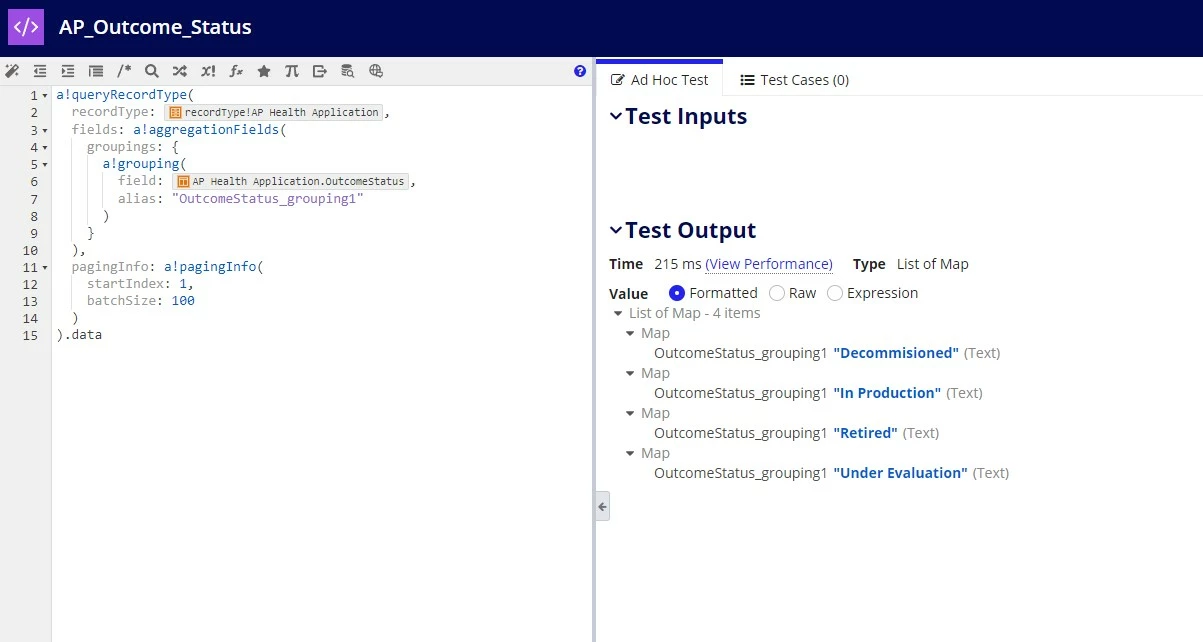
I have researched the documentation, and was unable to find any answers with an example. 

How do I call the expression rule to populate the options for this user filter based on the results from the expression rule I have created?
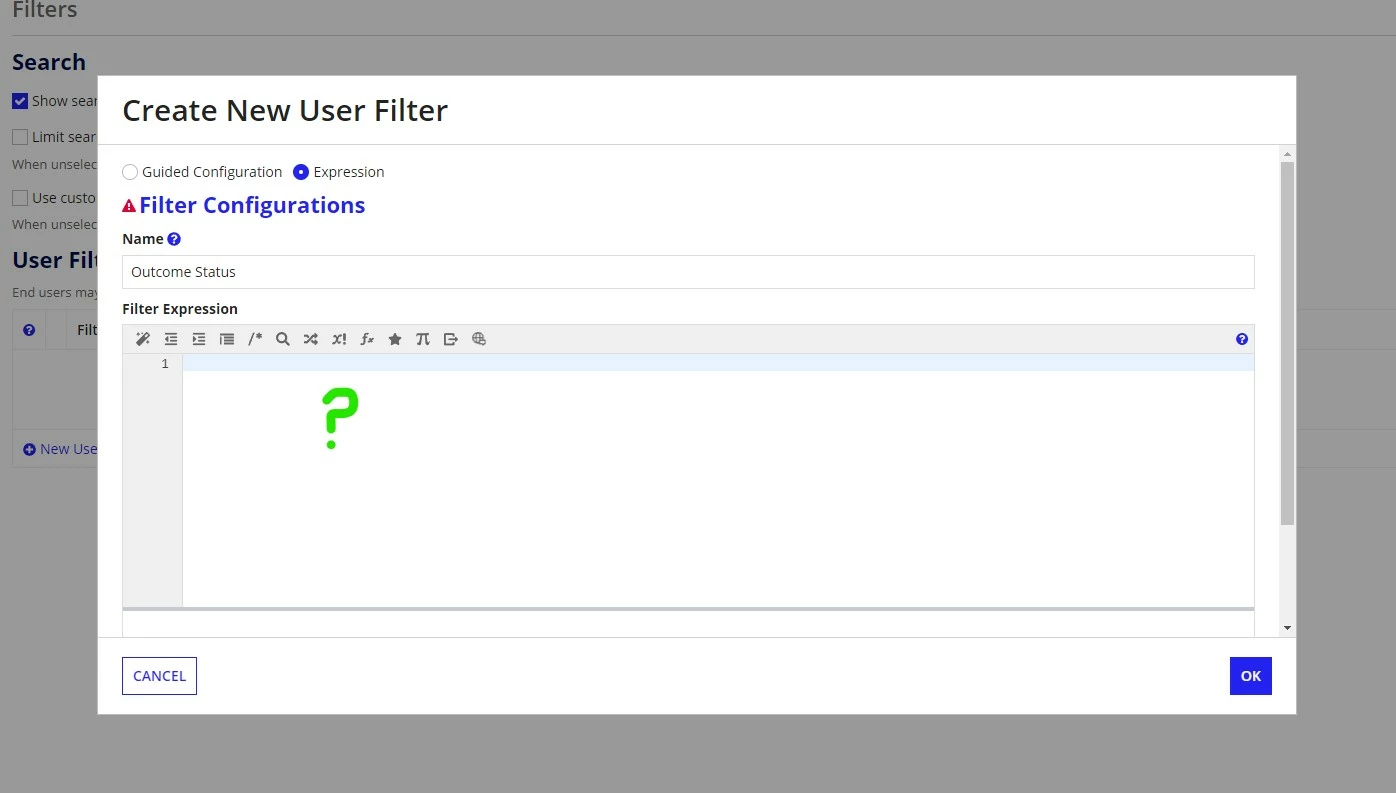
Many thanks in advance for your assistance.


Best answer by shubhama926776

You have to replace record from line no. 9 
to


  a!recordFilterList(
    name: "OutcomeStatus",
    options: a!forEach(
      items: rule!AP_Outcome_Status(),
      expression: a!recordFilterListOption(
        id: fv!index,
        name: fv!item.OutcomeStatus_grouping1,
        filter: a!queryFilter(
          field: /*"Replace record here"*/,
          operator: "=",
          value: fv!item.OutcomeStatus_grouping1
        )
      )
    )
  )

16 replies

shubhama926776
Brainy
May 29, 2024

Hello [mention:b80f7a74771e4fda8e6e8643159310c0:e9ed411860ed4f2ba0265705b8793d05] 

You have to use a!recordFilterList().
This documentation explain with example.

शुभम्
scottf0004
May 31, 2024

I already followed the instructions from the link, however I do not know how to write the a!recordFilterList() function to obtain the DISTINCT values of a field. 

The documentation does not display an example code to write.

scottf0004
May 31, 2024

I created an expression rule, that queries distinct values from "Outcome Status" field, and want it to be the options for the user filter. 

harshm4411
May 29, 2024