October 4, 2021
Question

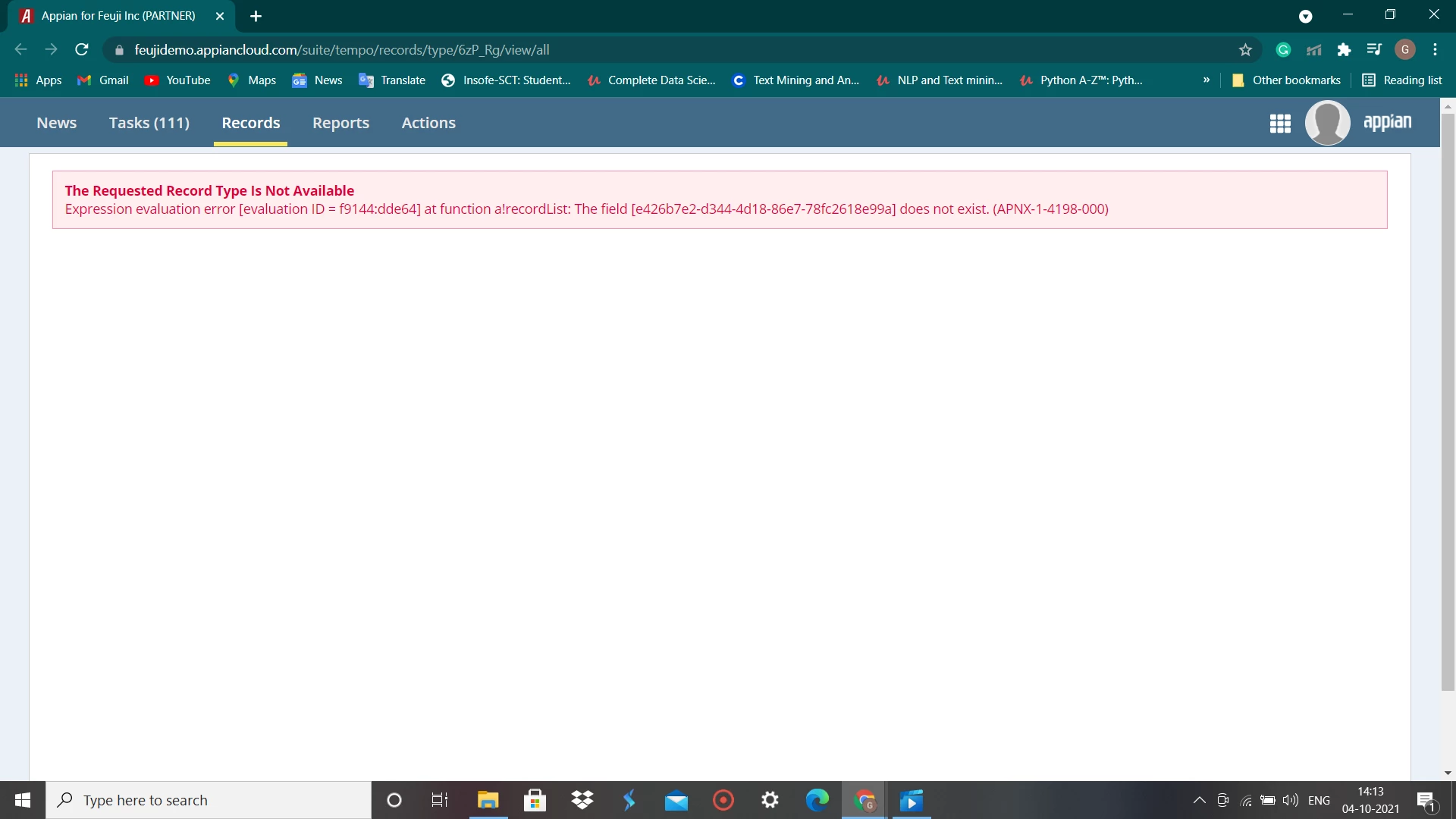
missing field in record
  • October 4, 2021
  • 9 replies
  • 0 views

Can anyone please let me know how to find the missing field in records !

    9 replies

    richardm900458
    October 4, 2021

    The best way: Open your CTD and the record settings in two tabs/two windows. Compare every used field in your record list view/filter.... if they are existing in the CDT as well. Sadly there is no versioning for record types. So i wouldn't have any smarter approach here. 

    October 4, 2021

    Actually there are 2 fields missing. So to add i again changed the table name and then enabled data sync, it says synced but the fields are not see in my record list .

    richardm900458
    October 4, 2021

    "When you enable data sync, you are caching your source data in Appian. With a cache of your data, this means Appian will only have to execute queries from the cached data instead of the external source whenever you view or interact with the record data."
    https://docs.appian.com/suite/help/21.2/records-data-sync.html


    -> so the sense of data sync is to improve the performance of your data, not changing the strucuture.
    -> you have to add the missing fields to your CDT again. ( the cdt you use for your record here)

    tablename has nothing to do with it. The moment you changed the table name, it can happen that during saving procedure of your CDT a new table could be created. If the cdt is maintained properly to your data store it will update automatically.

    you need a match between: DB Table & CDT and CDT & your Record type/CDT fields you like to use there.

    peter.lewis
    Employee
    October 4, 2021

    Another way to approach this - that's a little bit hacky - if you see a long field UUID like that, you can do an expression search in the Appian Designer to find where that UUID text is being used. That should tell you where the problem is so you can update any invalid record fields.

    October 10, 2021

    Hi Peter Lewis, Thank you for your reply.

    I tried this way but its not working , It says no UUID /UID found.

    peter.lewis
    Employee
    October 11, 2021

    Ah so you don't want to select "UUID" as the search type, you want to choose expression instead (because this field is being referenced inside of an expresion).