Sorting Records by Date and Priority
Hello,
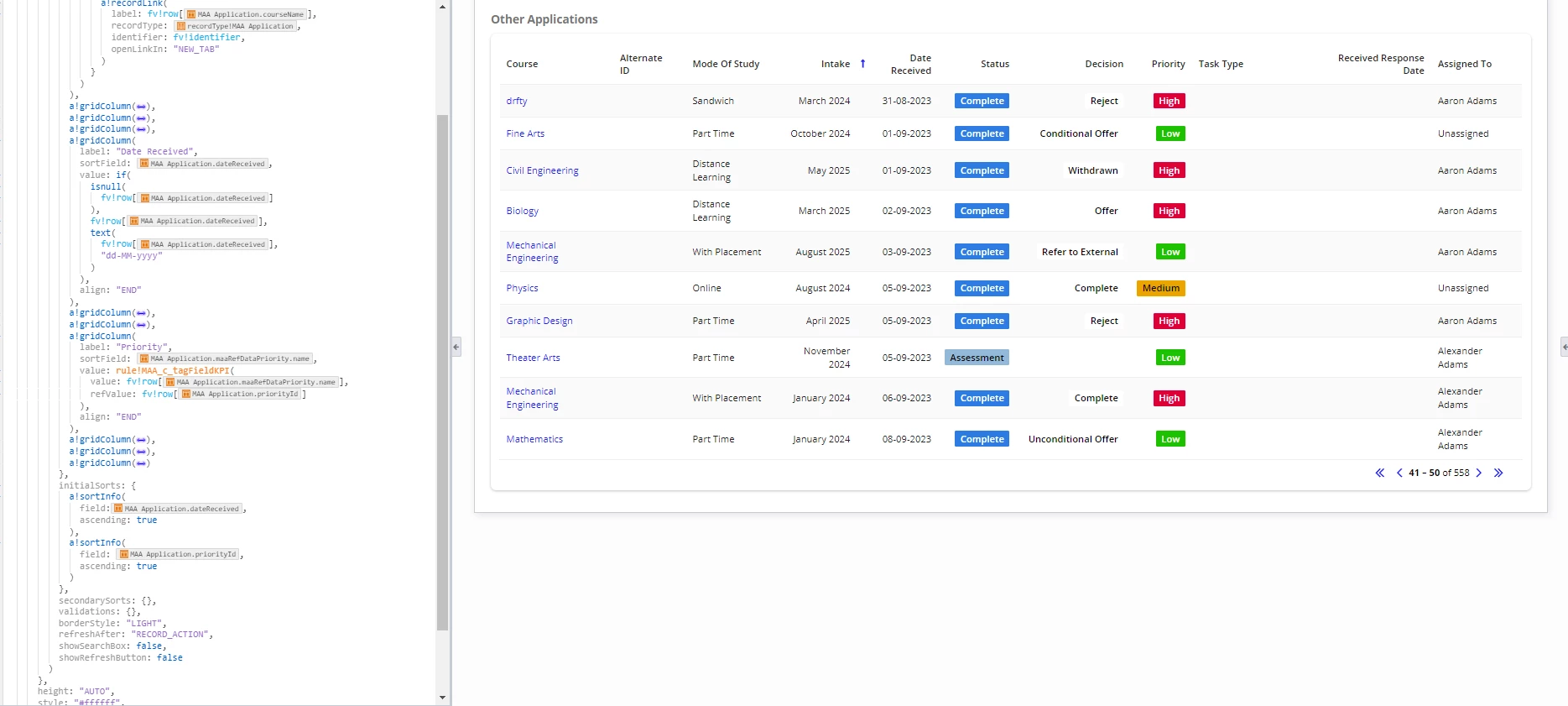
I am currently working with a Grid-only view that includes sorting functionality. My goal is to sort records first by "Received Date" and then by "Priority" (High, Medium, Low). However, my "Received Date" is stored as a "Date and Time" data type, which makes sorting by date challenging because the time component (hours, minutes, seconds) is unique and affects the sorting.
I would like to sort the records primarily by date and then by priority. To achieve this, I need to convert the "Date and Time" field to a "Date Only" format so that records with the same date can be sorted by priority. I attempted to use toDate() directly on the record type, but conversion cannot be applied directly. I also tried toUniformString(todate()), but it resulted in null values and caused issues with the UI. I don't want to change from the record type, and reset it to date only.
Could you please provide guidance on how to address this issue? Any assistance or suggestions would be greatly appreciated.
Thank you!