
Known Participant
October 14, 2026
Question

Acumulate large number of records in a PieChartField

Hi everyone.

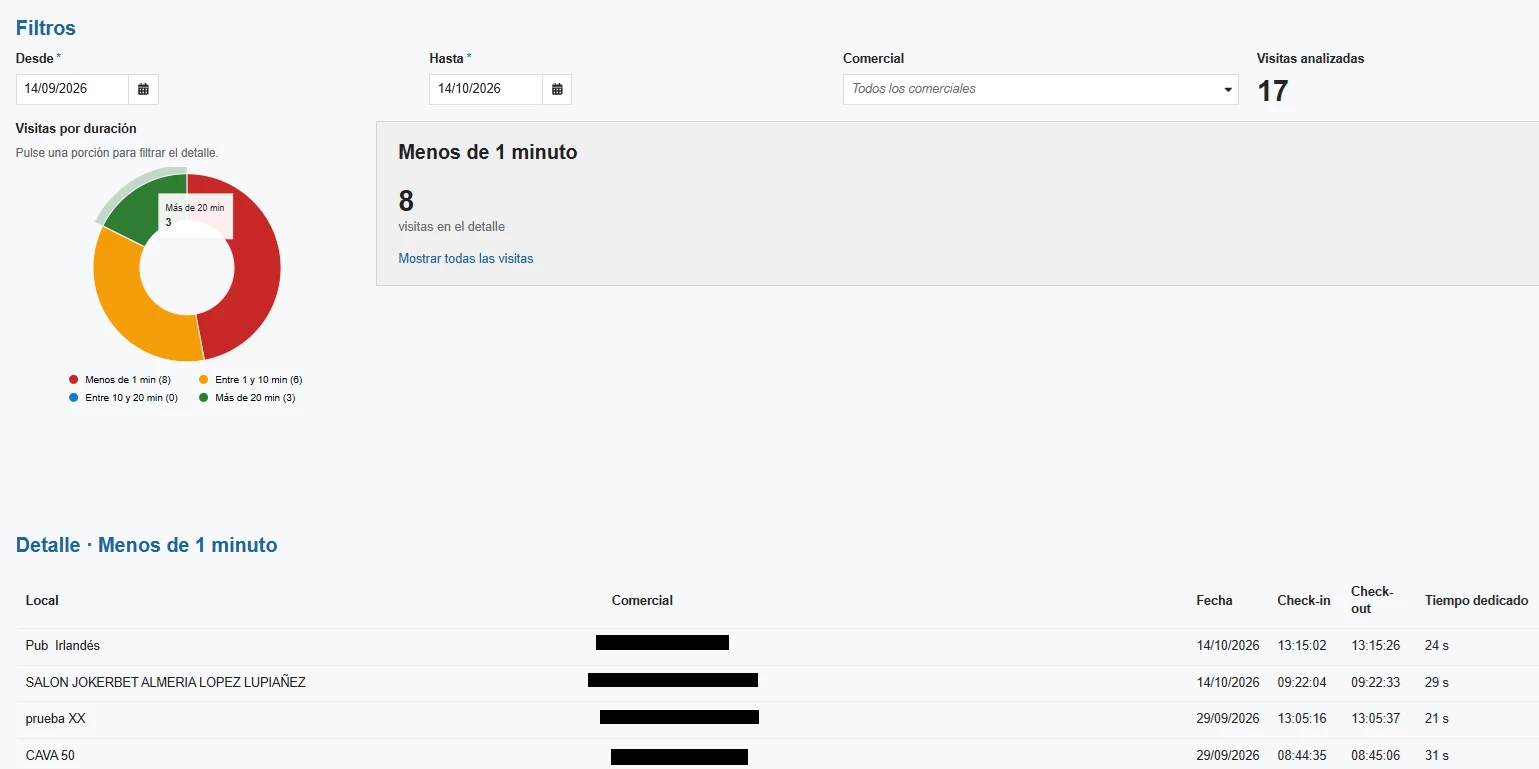
I’m trying to create an interface to display my company's sales representatives' visits—filtered by date and person—in a pie chart (*PieChartField*). The problem is that the result can exceed 5,000 accumulated records (Visits), causing me to lose information. How can I do to solve this problem?
 

    2 replies

    stefanhelzle0001
    Brainy
    October 14, 2026

    Did you consider to aggregate the data in the query instead of loading “all” data into memory and do the math?

    Inspiring
    October 14, 2026

    I would suggest using the Record Type directly as the data source for your pie chart instead of querying all the records and aggregating them in the interface. You can use a!grouping() and a!measure() to group the records and calculate the count for each category. Appian will handle the aggregation at the data source level, so you don't need to retrieve all 5,000+ records individually. 

    Also, the dataLimit in a!pieChartConfig() applies to the number of data points displayed in the chart, not the total number of underlying records. So having more than 5,000 records shouldn't be an issue as long as the number of grouped results is within the supported limit.

    Alternatively, if you need to retrieve all records and perform complex transformations before displaying the pie chart, you could try querying the data in batches. First, get the total record count, calculate the number of batches required, and use a!forEach() with a!queryRecordType() to retrieve the data by adjusting the startIndex and batch size. I would suggest querying only the required fields to minimize memory usage and performance impact. This is not a recommended approach for large datasets, especially within an interface, but it may work if aggregation at the record or database level is not an option.