
December 12, 2022
Question

【Error】AppianRPAagent disconects to resource

  • December 12, 2022
  • 5 replies
  • 0 views

I would like my AppianRPAagent to connect to resource. 

So, I refered to URL Below.

docs.appian.com/.../agents.html


After I created a new resource "TestResource", I downloaded AppianRPAagent.exe and run it.
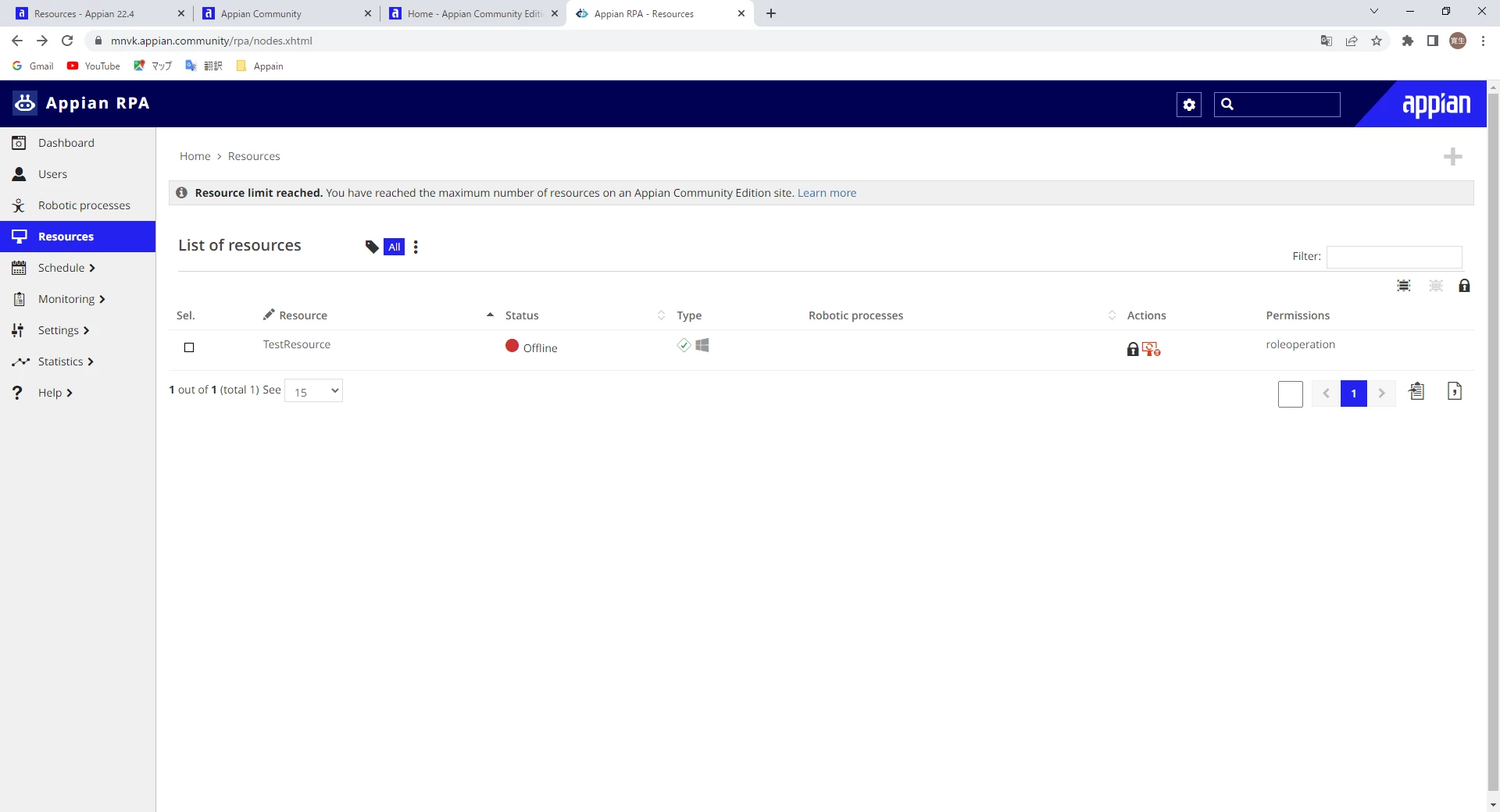
However, "TestResource" didn't get online.
■Resource detail
Could you tell me what makes this error arise?

5 replies

December 12, 2022

Hi:

Hi, I understand that when trying to start the process, the Appian RPA icon is shown in grey instead of blue in the taskbar, right?

In these cases the first issue is to confirm that you can access the Appian RPA Web Console from the machine where you are trying to start the agent to verify that the machine has https connectivity.to the server.

Once this is confirmed, you should verify if the browser has a proxy configured, if so, the proxy should also be configured in the agent. To do this you must create an AppianRPAagent.l4j.ini file as described in the documentation ( https://docs.appian.com/suite/help/22.4/rpa-8.6/components/agents.html#generate-config-file  )

December 13, 2022

Thank you for reply.

I run the commond below in cmd.exe to verify that my machine has https connectivity to the server.
・curl -I mnvk.appian.community/rpa

-result is below
curl: (28) Failed to connect to mnvk.appian.community port 443 after 42115 ms: Timed out

This means that My Machines has no https connectivity to the server.
Are we on the same page?

Thank you.

December 13, 2022

Exactly your machine does not have a direct https connection to the server.


Have you been able to access from your machine to that URL from Chrome?
If you can't, you definitely need to configure your network so that your machine can reach the server.
But if you can from the browser, it is possible that the internet access is done through a proxy. The proxy is most likely configured in Chrome, and that same configuration you need to add to the agent. To configure the proxy in the agent, you must follow the instructions in the link I put above. In the "Generate Config File" menu option you have an interface to fill in the data and automatically generate the AppianRPAagent.exe file automatically.

Once the file is generated, remember to restart the agent for the change to take effect