

uelm
September 26, 2022
Solved

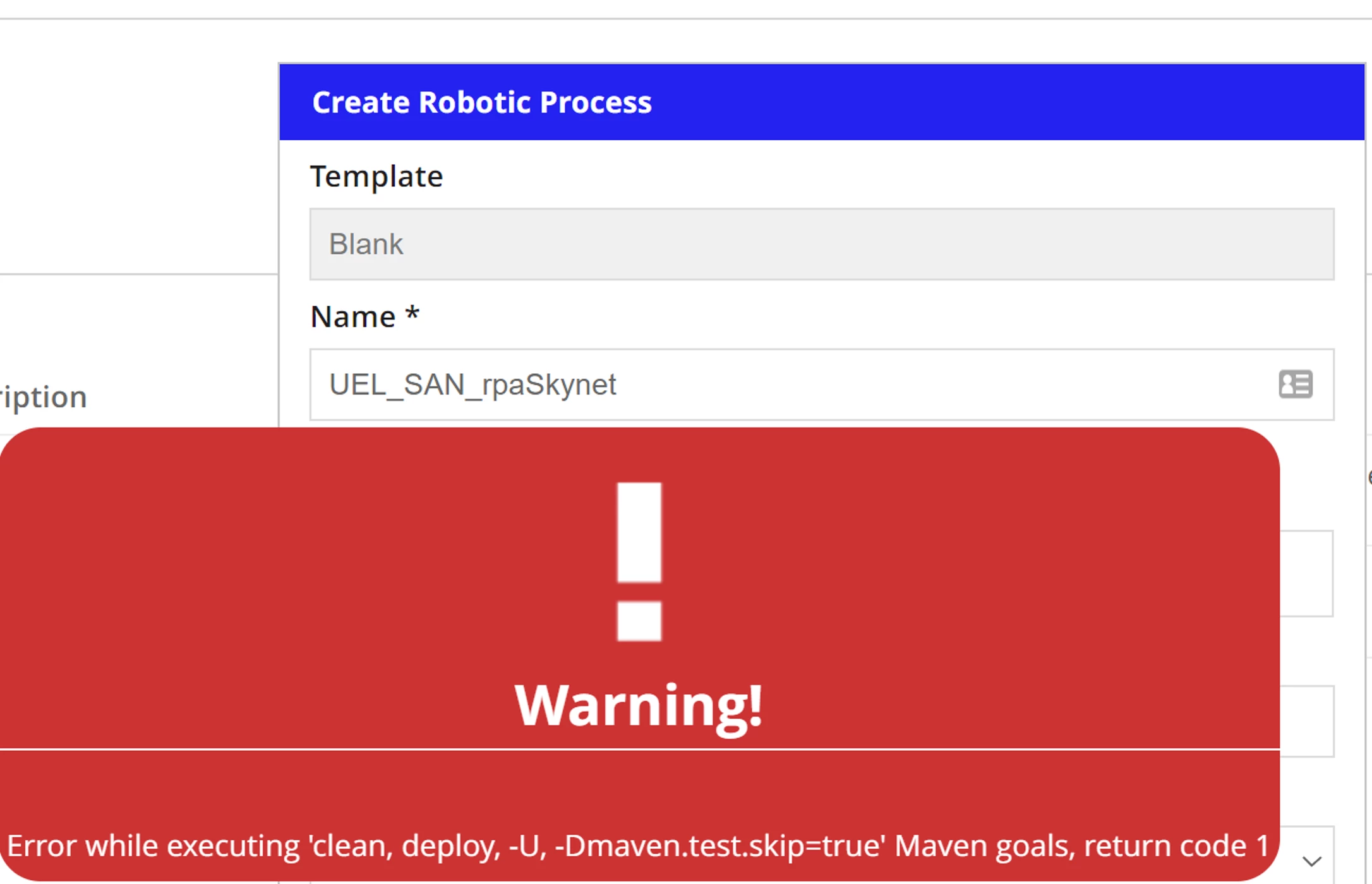
Error pop-up when creating/downloading first Robotic Process - Windows 11

  • September 26, 2022
  • 8 replies
  • 0 views

Hi everyone,

I'm trying out RPA on my Windows 11 computer. I used the configurator and followed all the steps. The configurator completed successfully. https://docs.appian.com/suite/help/22.3/rpa-8.4/custom_code/configurator.html. I start the RPA agent on my computer, it shows a list of Robotic Processes (created by a colleague on his Mac).

Then back in my cloud environment, my computer does show Online under Resources. Next I create a new Robotic Process, blank template, add Permission, leave everything else as default, and click Create. But straight away I get this error pop up.

Any help would be appreciated :)
Best answer by jesusdaviniop8124

Hi Uel_M, please remove:

Default repository URL, Username and password values ( keep them empty)

Then  save it, and try to check if this value show up:

Please let me know the results.

Thanks!

8 replies

cyrus.saadat
September 28, 2022

Try this:

Make sure you select "Console Repository"

uelm
uelmAuthor
September 29, 2022

Thank you for the reply Cyrus.

We don't have Console repository as an option in that dropdown as RPA was set up with our company's URL and not the default option. This is what shows up in the dropdown and I've tried all 3:

September 29, 2022

Hi,

Could you share with me this configuration in your console:

Thanks
