
July 19, 2023
Solved

How do I proceed with the calculator tutorial after deploying?

  • July 19, 2023
  • 3 replies
  • 0 views

Hello, I'm new on Appian and recently started learning JAVA and RPA as a junior developer. So I started following the Calculator Tutorial (I used Intellij) and after running the command mvn clean deploy in the last step I got this message on the command prompt:

So I assumed everything was right. But when I went to test the robotic task (I changed the name to "Calculator-Tutorial") nothing happened.
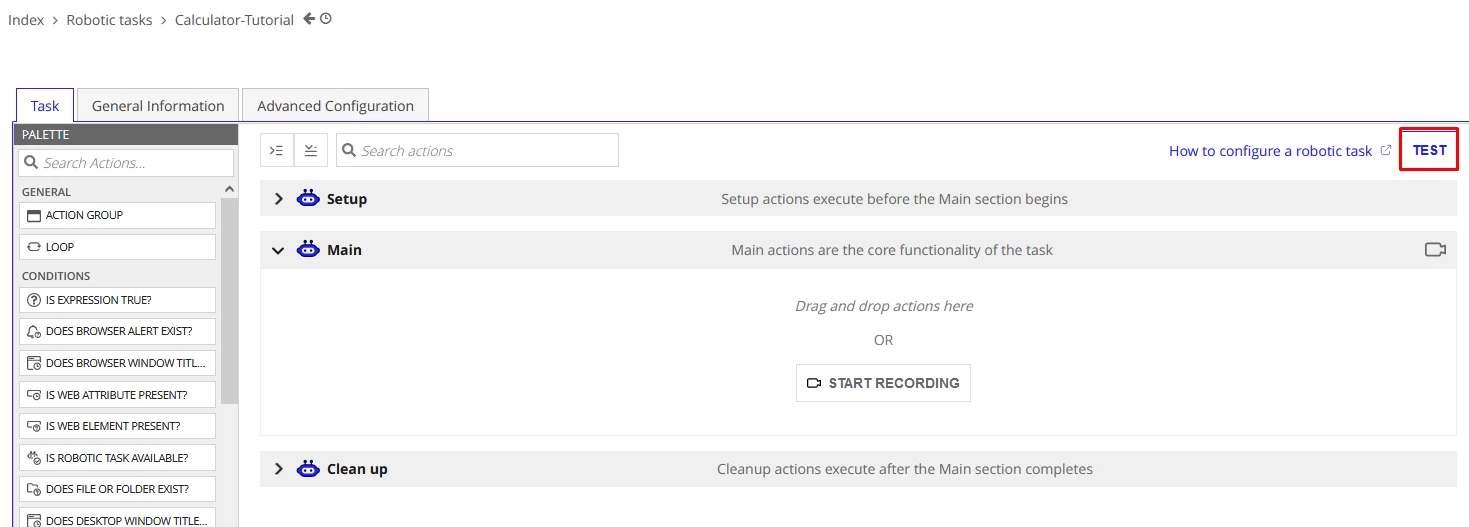
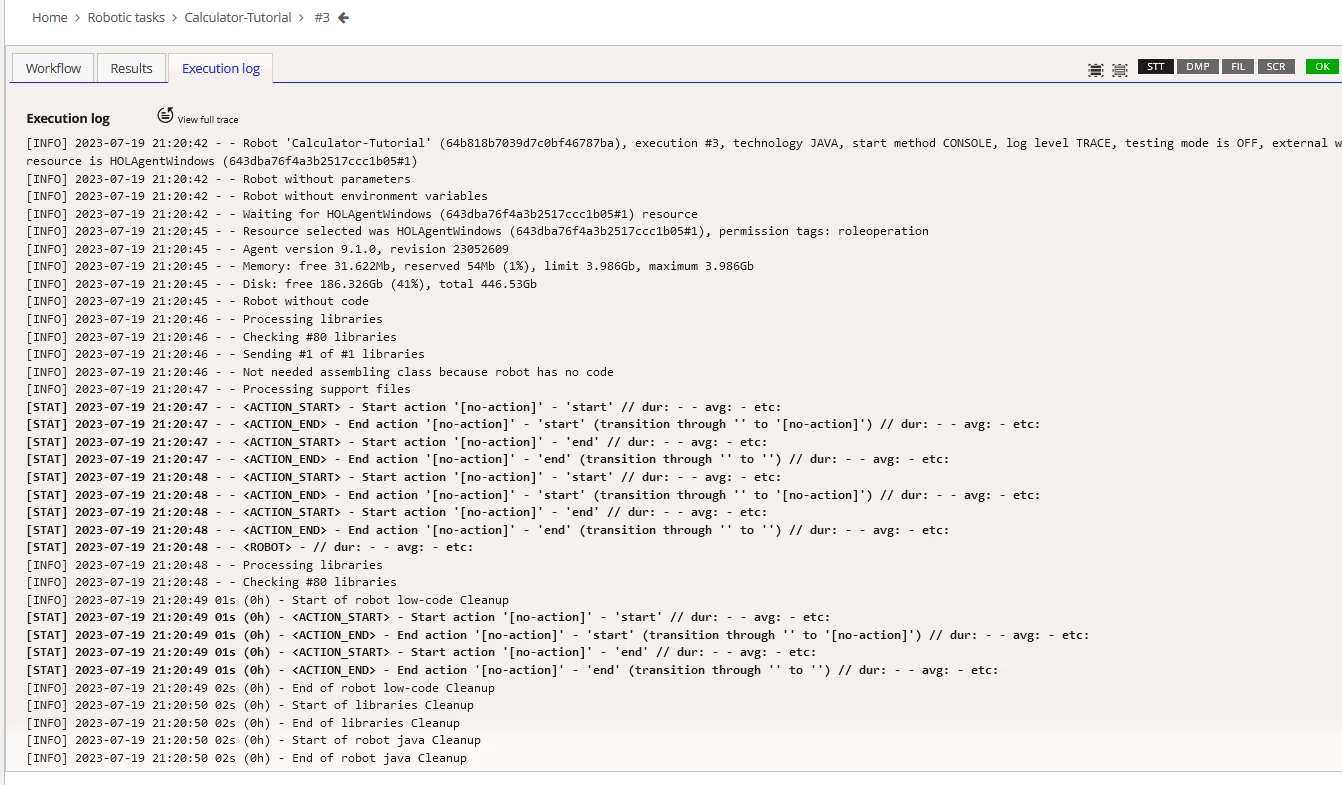
I'm sorry if perhaps this is too obvious but i really don't understand why it is not opening the calculator.
Best answer by javierv0006

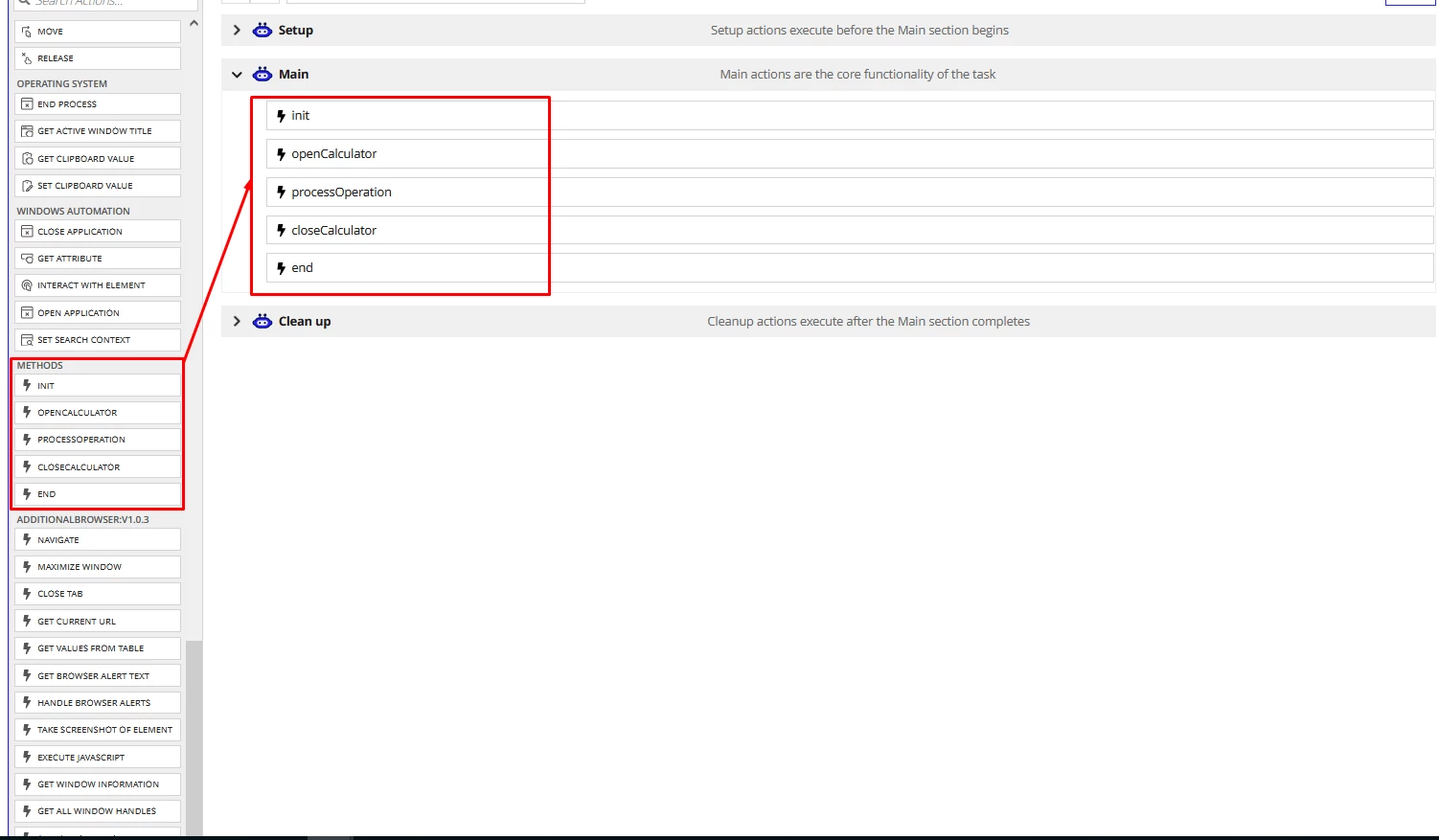
So I just realized that the methods that I developed in Java are in the Action Palette after the deployment, I just had to scroll down to see them.

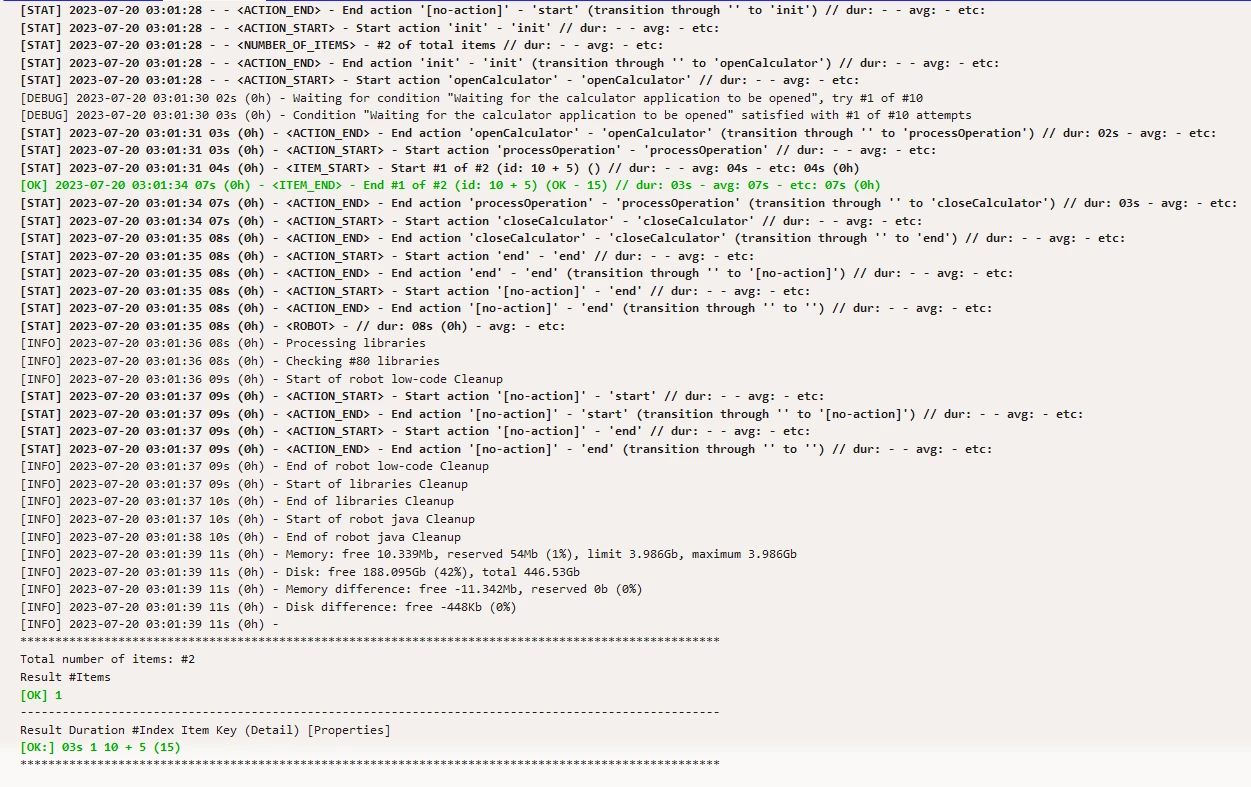
Then I just had to drag them to the Main actions and it was done!

3 replies

javierv0006AuthorAnswer
July 20, 2023

So I just realized that the methods that I developed in Java are in the Action Palette after the deployment, I just had to scroll down to see them.

Then I just had to drag them to the Main actions and it was done!

January 23, 2024

Hi,

I did the same. It was deployed successful through maven. But I couldn't find it in the Action Palette.

Did I miss any steps ?

February 13, 2024

Hi,

We have to import those libraries from console as workflow libraries, then only those will be available as actions