
Regarding Interacting with the browser page
Greetings,
I am a starter in Appian RPA and I got stuck in a small place where I am unable to interact with the browser component.
The Problem is as follows:
My primary objective is to open a website i.e https://zoom.us/signin using the " Open Browser method " under the browser module.
Entering Username and password in that website using " Interact with element " method under browser module
Press the sign-in button --- where the problem occurred.
In order to press the button, we need to know the name of the element and I am unable to find any name on the inspect page. To try with the tag name I have tried by giving the name of the div in which the button places but yet not working.
The common issue that I am getting is "Unable to interact with the element because the component is currently hidden or disabled "
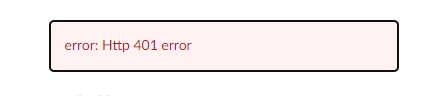
I have also tried pressing enter shortcut but I got ERROR:401.
SO I am kindly requesting you to help me out in this scenario where the name of the component does not exist, what do we have to do?