
May 8, 2025
Solved

Retrieve Variable from RPA Smart Service

  • May 8, 2025
  • 13 replies
  • 0 views

I am using an RPA smart service within my process model.

I pass through data to the RPA Smart Service which a bot will run to retireve data from a 3rd party application. PolicyNumber

The goal is to pull that information (policyNumber) out of the robotic task to use in the rest of the process model. At the moment the bot successfully captures and stores the data in the Variable, but on the Process Model side, it is still showing 'no value'.
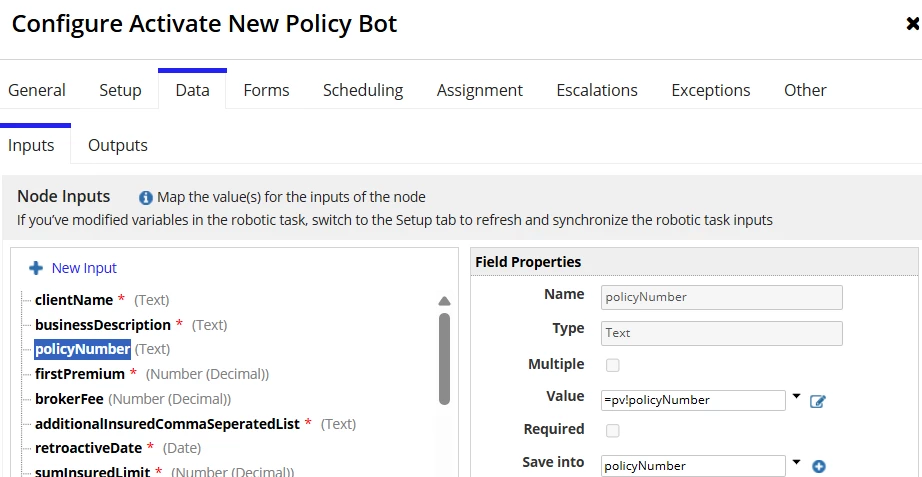


The result of the variable on the robotic task after a successful run:
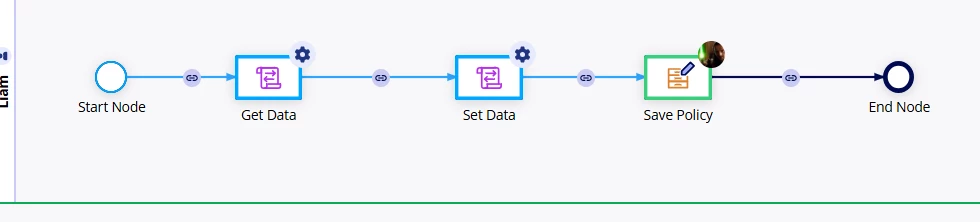

Any assistance on helping to retireve this text string or even persisting this data would be greatly appriciated.

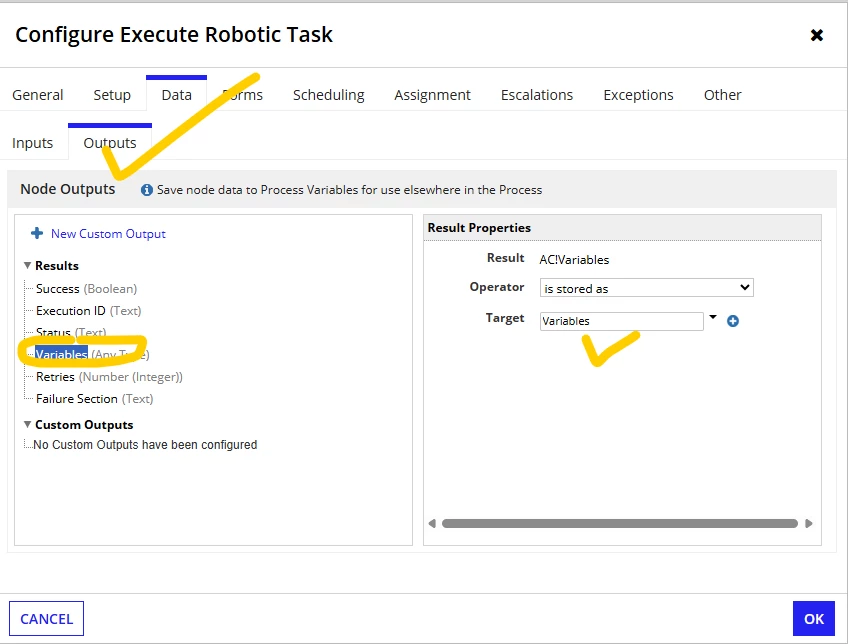
Best answer by srmm0001

are you mapped ?

13 replies

srmm0001
srmm0001Answer
May 12, 2025

are you mapped ?

deanm7427Author
May 12, 2025

I have the Variables mapped to a variable. At the moment, when the Bot completes, the autocreated variable outputs a string of text of only the variable names without spaces and no data from what I can see.


Should the type be of type Map instead?

srmm0001
May 12, 2025
  1. Once you can try...same problem I faced...but target done. 
stefanhelzle0001
May 12, 2025

And I think that this "Write Records" node should not be assigned to a person, but run by the system.

deanm7427Author
May 12, 2025

You're right. This was an attempt to see if a permessions thing was an issue. It is assigned to to the initiator at the moment.


This is my attempt with using CDT's instead. (Same PM just a different approach to try find a solution)

stefanhelzle0001
May 12, 2025

This is still wrong. These nodes must be run as an automated activity.

But then, where are you actually stuck? Are you still trying to fetch that serial number from the robotic task? If yes, trying to start a model from the robot does not feel like the right way to go.

My approach would be to create an Appian process model. This model runs that robotic task, fetching that serial number.