
arulk0002
November 22, 2022
Question

RPA How to apply Login and Password?

  • November 22, 2022
  • 3 replies
  • 0 views

Hi All,

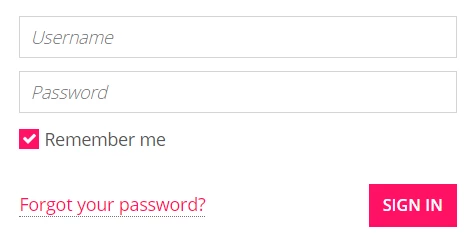
I am new to RPA. See the below screen. Is that any separate activity to use the updated USERNAME and PASSWORD in RPA?. 

I have tried to use start-Recording method but it threw error.
    3 replies

    November 22, 2022

    Hi Arulk,

    Could you share the error you get using the recorder?

    By other hand, try to play with this action to update username/password

    Check this:

    https://docs.appian.com/suite/help/22.3/rpa-8.6/modules/browser-module.html#interact-with-element

    Jesus

    arulk0002
    arulk0002Author
    November 22, 2022

    Hi Jesus,

    Thanks for reply

    I got result by using "UPDATE VALUE" Interaction.

    November 28, 2023

    Hi [mention:4d2769e112a545358440a89c8ce59e82:e9ed411860ed4f2ba0265705b8793d05] 

    1. Task Recorder for Credentials:

      • Utilize the task recorder to capture the steps for entering the username and password.
    2. Create Variables:

      • Make sure to create variables to store both the username and password.
    3. Configuration Changes for Username and Password:

      • After capturing the steps, adjust the configuration settings for both the username and password fields.
    4. Refer to Screenshot:

      • For a clearer understanding, please refer to the attached screenshot.

    Follow these pointers to efficiently use the task recorder, establish variables for credentials, and configure settings for both the username and password fields. The attached screenshot will provide visual guidance.
