
September 20, 2024
Solved

Unable to debug code in Test section, Task recorder not working

  • September 20, 2024
  • 7 replies
  • 0 views

Hi Appian Community,

I have been trying to create a short POC in Appian RPA Community edition but it has been a struggle. After resolving multiple issues, i'm now stuck at one issue from where i cant proceed .

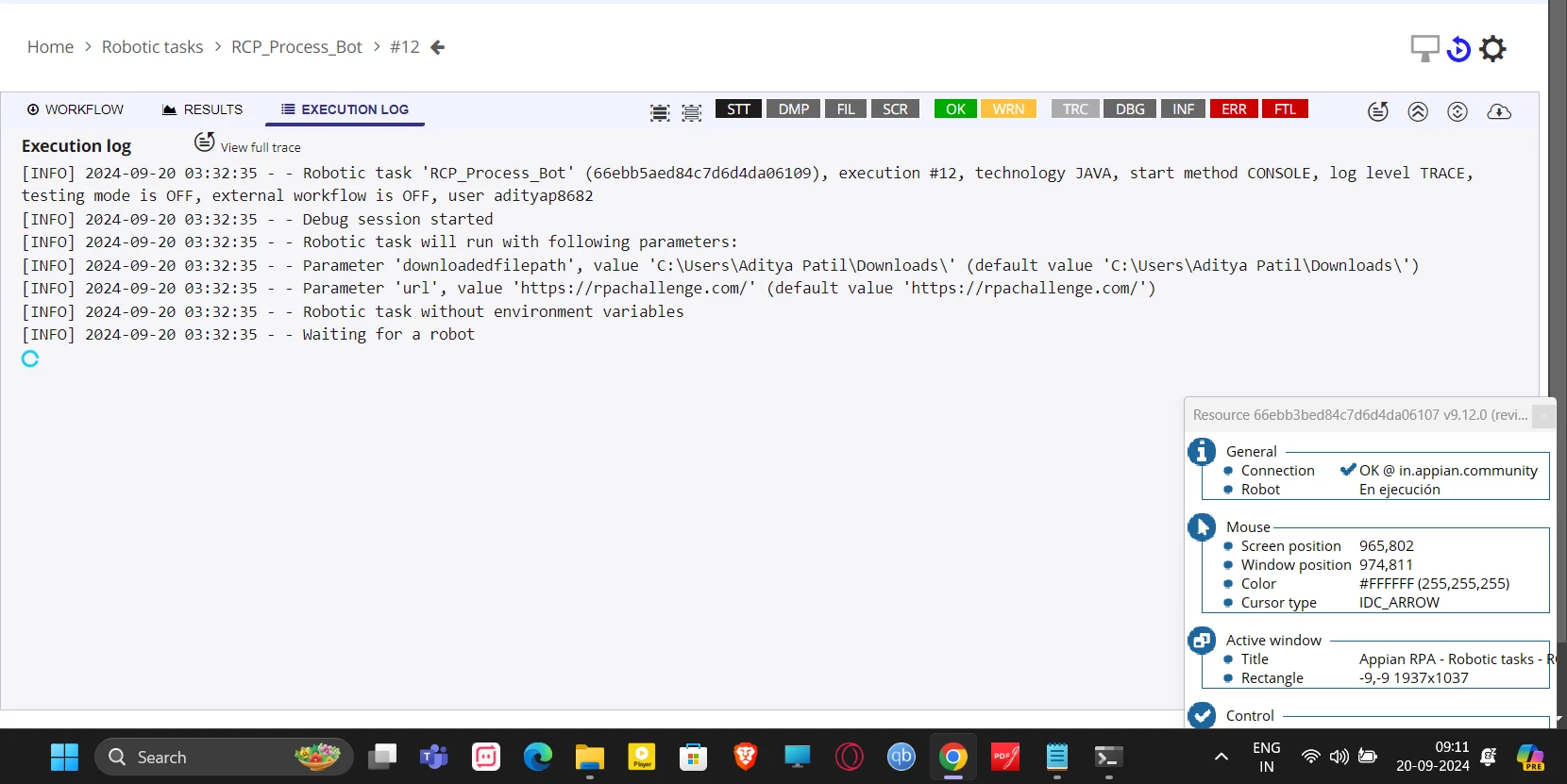
I'm unable to perform any debugging task as it takes a lifetime to connect to a robot.

Also have been facing continuous issues with task recorder while launching any web browser , the success percentage is 1% as of now.

I have checked the following already - 

1.Agent is installed correctly and showing OK as can be seen in attached screenshot 

2. Installed the web driver at appropriate location

3. Web driver installed is of correct version
Best answer by adityap8682

Hi this issue is resolved now, i did the following things - 

1. installed JDK 17

2. Updated both edge & chrome browsers

3. reinstalled latest web drivers for the respective web browsers

4. uninstalled the previous agent & reinstalled the new one

7 replies

stefanhelzle0001
September 20, 2024

You do not mention any details about those issues you see. Do you want to share some?

September 20, 2024

Hi [mention:a11f77a729fb4db2af76b09948583328:e9ed411860ed4f2ba0265705b8793d05] 

ISSUE 1 - In the debug window, the execution is stuck at - Waiting for Robot (Stage ) and after (what seems like eternity ) it gives an error, no data received.

ISSUE 2 - whenever i use task recorder, the browser application does not open although the web drivers are correctly installed with correct version. Have updated them in root folder as well

davidj137213
September 20, 2024

Are you using a VPN or behind a proxy or firewall?¿

adityap8682AuthorAnswer
September 21, 2024

Hi this issue is resolved now, i did the following things - 

1. installed JDK 17

2. Updated both edge & chrome browsers

3. reinstalled latest web drivers for the respective web browsers

4. uninstalled the previous agent & reinstalled the new one