

KB-1882 Unable to access the Cloud Database
Symptoms
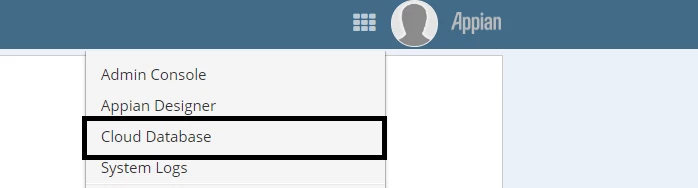
The link to Cloud Database is missing when trying to access through Tempo or Appian Designer.
Cause
System Administrator users that have access to the Appian Cloud Database should be present in the "Database Administrator" group. This error occurs when the group has been deleted.
Action
First, verify if the Database Administrator group is present:
- Log in as an Administrator.
- Navigate to Appian Designer.
- Click on Objects.
- Search for Database Administrator.
If the group is missing, perform the following actions to retrieve it:
- In an environment where the Default Community exists running the same version and hotfix as the malfunctioning environment, open Appian Designer.
- Create an application containing the Database Administrator group.
- Export this application from the working environment and import it into the malfunctioning environment.
This group has a reserved UUID, which means importing this object will restore it in the malfunctioning environment.
Affected Versions
This article applies to all versions of Appian Cloud.
Last Reviewed: March 2019