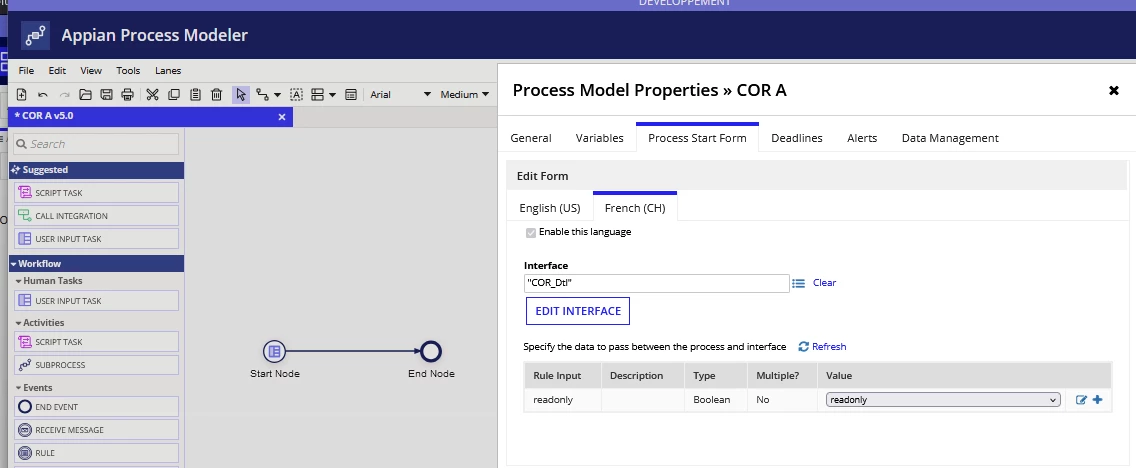
Cannot display dialog start process interface when it contains a readonly styledTextEditorField
Hello there,
I recently upgraded to Appian 24.2, and wanted to use the styledTextEditorField in my existing application.
Unfortunately, it seems to have an issue when displaying inside a dialog from a record related action.
I call a process as a record related action, with the default openActionsIn = "DIALOG" in recordActionField > recordActionItem from my user interface.
I have this interface (COR_Dtl), called as a start form of the above process:
a!styledTextEditorField(
value: "<b>KK</b></br><li>p</li>",
sizeLimit: 1000,
readOnly: ri!readOnly
),
When I call it with readonly = true, nothing appears in the dialog.
With readonly = false, it shows correctly.
I think there might be a bug. Or anything I should try to display the data correctly with expected formatting?