September 7, 2022
Solved

Displaying documents with text in Document viewer

  • September 7, 2022
  • 2 replies
  • 0 views

Hi every one,

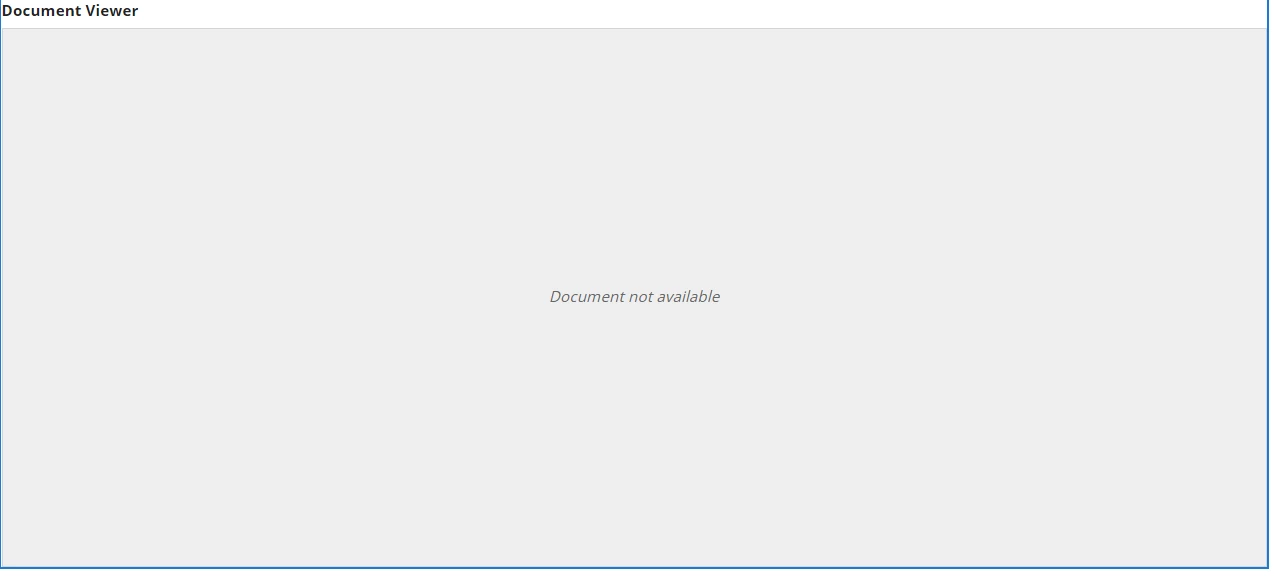
If file is missed or corrupt, I wanna the text display "No find image" instead of text "Document not avaiable", like image below.
Thanks a lots.

    Best answer by harshitb6843

    If the file is corrupted, then there is no way to find it but if the document is not displayable, then you can use a card layout instead of the document viewer to show the message. 

    2 replies

    September 7, 2022

    Document corrupt is very rare chance in Appian but to show the something else then you can use the if else condition and show the error if the condition is false.

    Something like below:

    a!localVariables(
      local!documentAvailable: getcontentobjectdetailsbyid(ri!docId),
      local!doc: if(
        local!documentAvailable = "No object with this ID has been found",
        {},
        if(
          keyval(
            local!documentAvailable,
            "Type",
            ": ",
            ", Created"
          ) = "Document",
          document(ri!docId, "extension"),
          {}
        )
      ),
      if(
        local!doc = "pdf",
        a!documentViewerField(
          document: todocument(ri!docId)
        ),
        a!cardLayout(
          style: "STANDARD",
          contents: {
            a!richTextDisplayField(
              align: "CENTER",
              value: a!richTextItem(text: "No find image")
            )
          }
        )
      )
    )

    harshitb6843
    September 7, 2022

    If the file is corrupted, then there is no way to find it but if the document is not displayable, then you can use a card layout instead of the document viewer to show the message.
