

shantanuj3947
January 31, 2024
Question

Dynamic interface

  • January 31, 2024
  • 5 replies
  • 0 views

Hi,

I have a button on my application's homepage/landing page designed to execute a specific task in the database. When clicked, it should trigger the appearance of a dynamic interface. This interface should smoothly transition into view, causing the landing page interface to fade away.


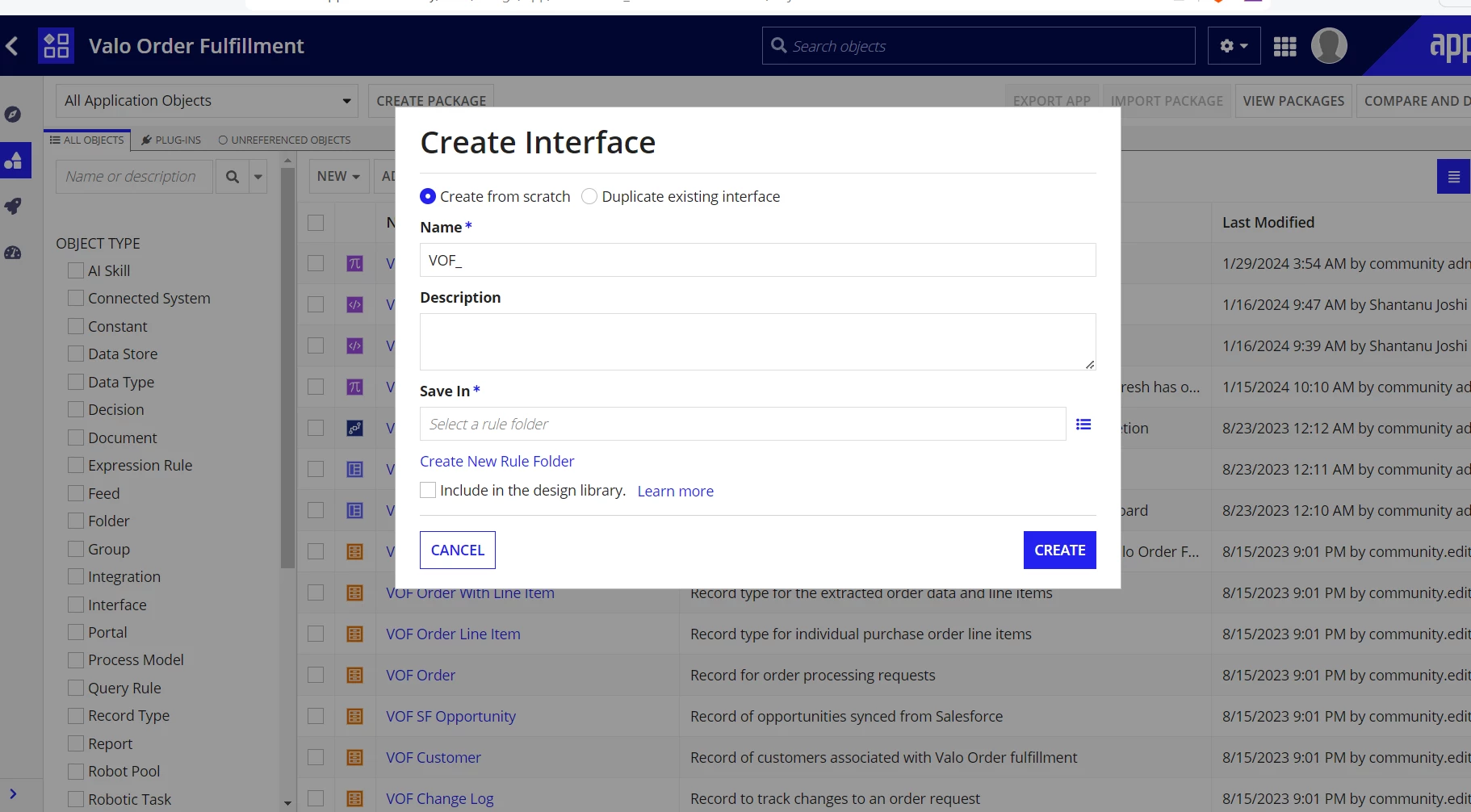
For visualization consider below screenshot, imagine the "Create Interface" dialog overlaying the landing page interface, which fades into the background during the task interaction.
5 replies

konduruc733182
January 31, 2024

Hello [mention:a33b04759ed24c788158007099a7f7e5:e9ed411860ed4f2ba0265705b8793d05] 

Are you asking not to have this way of pop up or do you want something similar to the Image?

if you Need a Pop up use the Dialog box option or a relevant one according to your requirement.(Assuming that you are using Record actions as you mentioned you are using a button to perform some task)


Or more info here Record Actions

If you are looking for any Visual effects of fading away or so, It is not possible in Appian as of now.

harshitb6843
January 31, 2024
Assuming that you are using Record actions as you mentioned you are using a button to perform some task

This is a very important point to consider when opting for a pop-up-like design. If you have a process that accepts dynamic inputs, creating a pop-up becomes almost impossible. Pop-up design is only possible for actions or record actions, which also means that the processes mapped to them can only take the primary key of that record as input. 

stefanhelzle0001
January 31, 2024

Maybe like this?

appian.rocks/.../

July 15, 2026
  1. In the record type, go to Actions.
  2. Under Open Actions In, specify how the action opens. By default, record actions open in a DIALOG BOX with the configured Dialog Height and Dialog Width.

    The Open Actions In option only appears if you have a record list action configured.