
Solved
Editable grid column width is not working.
Hi All,
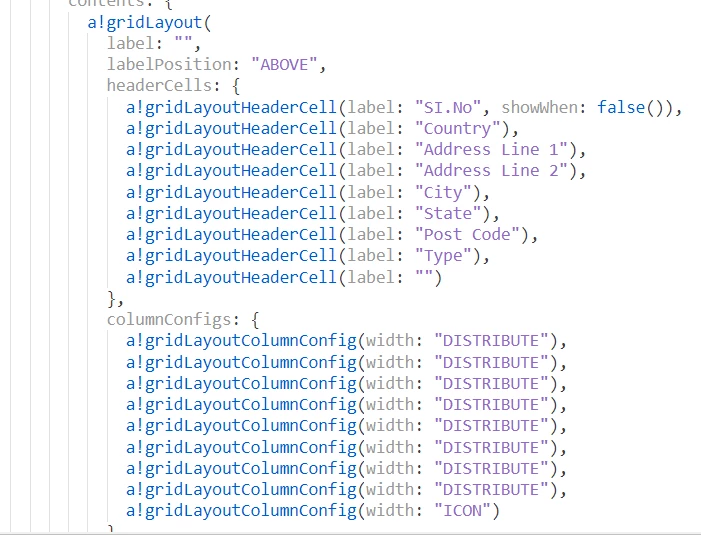
I am trying to create an editable grid interface. But the column width for "ICON" is not working. Below I attached the screenshot of the code and the UI. Anyone having solution for this?


Hi All,
I am trying to create an editable grid interface. But the column width for "ICON" is not working. Below I attached the screenshot of the code and the UI. Anyone having solution for this?
Enter your E-mail address. We'll send you an e-mail with instructions to reset your password.
