
Getting error in Interface configured for User Input Task: An Error Has Occurred, An error was encountered while processing your request.
I've configured User Input Task in a process where I've used an Interface in which I'm using StartProcess smart service to invoke a process, Please find the code snippet below:
a!buttonWidget(
label: "Approve1",
saveInto: {
a!startProcess(
processModel: cons!PA_ProcessConstant(),
processParameters: {
currentWorkstep: local!currentWorkstep,
temp: "Test Param",
workCount: local!workstepCount,
worksteps: local!worksteps
},
onSuccess: a!save(
local!outPut,
"Process started successfully"
),
onError: a!save(local!outPut, "Process failed to start")
)
},
submit: true,
style: "PRIMARY",
showWhen: { if(ri!workstepcount = 0, false, true) }
)
The above code is resulting in the error as shown below:
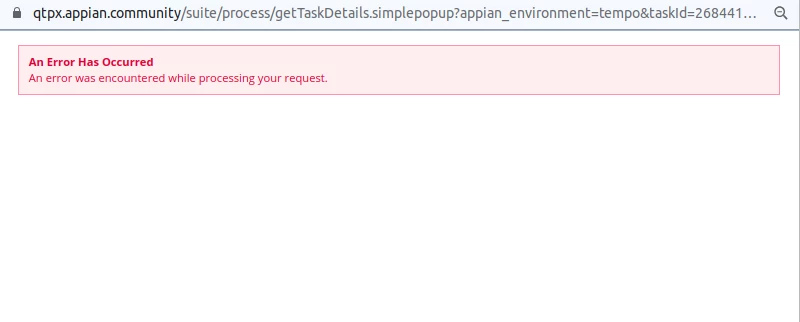
If I will comment the saveInto parameter of buttonWidget from the above code snippet the interface works fine. Please let me know If there is any issue in the code.