
March 23, 2022
Question

gridcolumn

  • March 23, 2022
  • 13 replies
  • 0 views

Hi,

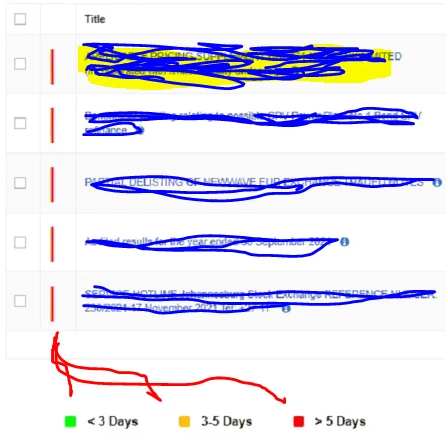
How can I show a grid with different color ( 3 different colors) based on the days between Today and another day.

In the below image right now column2 is showing with red line.

Any idea how can I develop this. Any helpful comments please. 
13 replies

danny.verb
March 23, 2022

You're going to want to use a!richTextField() inside the value parameter of a!gridColumn()

Within the richTextDisplayField you can have icons with different colors based on some logic and then some text based on logic, I recommend the new a!match() function released in 22.1

gopalk2865
March 24, 2022

HI Hari, You can create a decision rule, where you can configure your input and output. You can configure hexcodes as ouput . Call this rule in your grid and based on the input , you can decide the color.

March 24, 2022

I wan a clear concept with using the simple method and show result of using this code.

If you want to contain rich text, you should use a!richTextField() inside of the value parameter of a!a!a!gc() (Grid Column)

This richTextDisplayField allows you to display different icons with different colors based on some logic and then some text based on logic. It is recommended to use the !match() method. 

for more information and confusion contact me and I try best to solve the issue.

March 24, 2022

Thank you all for your quick guidance. Appreciate your help on this.