
July 9, 2023
Question

How to show a PDF file uploaded in an interface to my summary view

  • July 9, 2023
  • 7 replies
  • 0 views

Hi! I have created an app in which the user enters some purchase order fields, and one of them is a PDF file, saving each file that is uploaded in a constant folder of documents. When I end the user task, the document is saved correctly in the folder. 
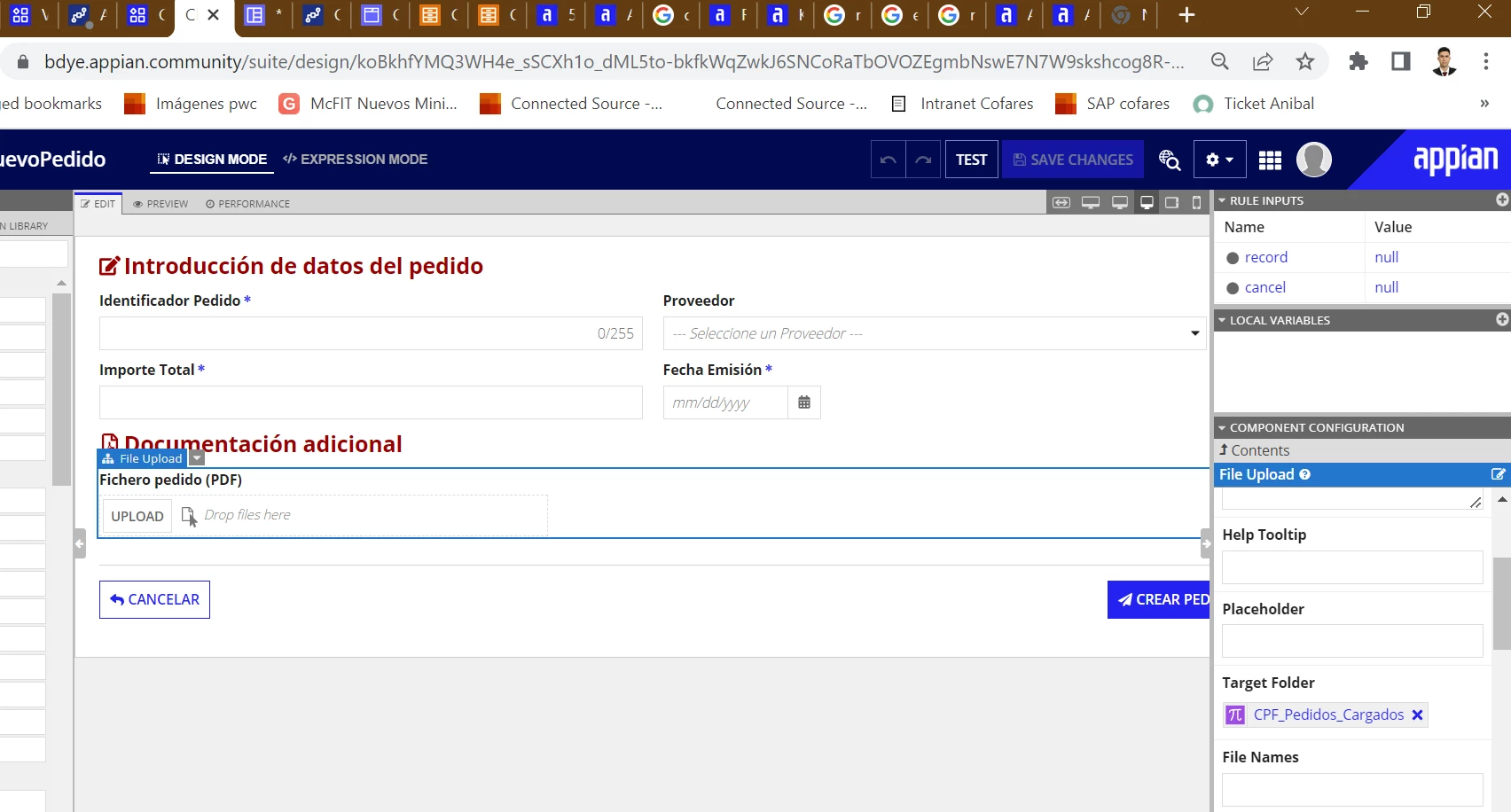
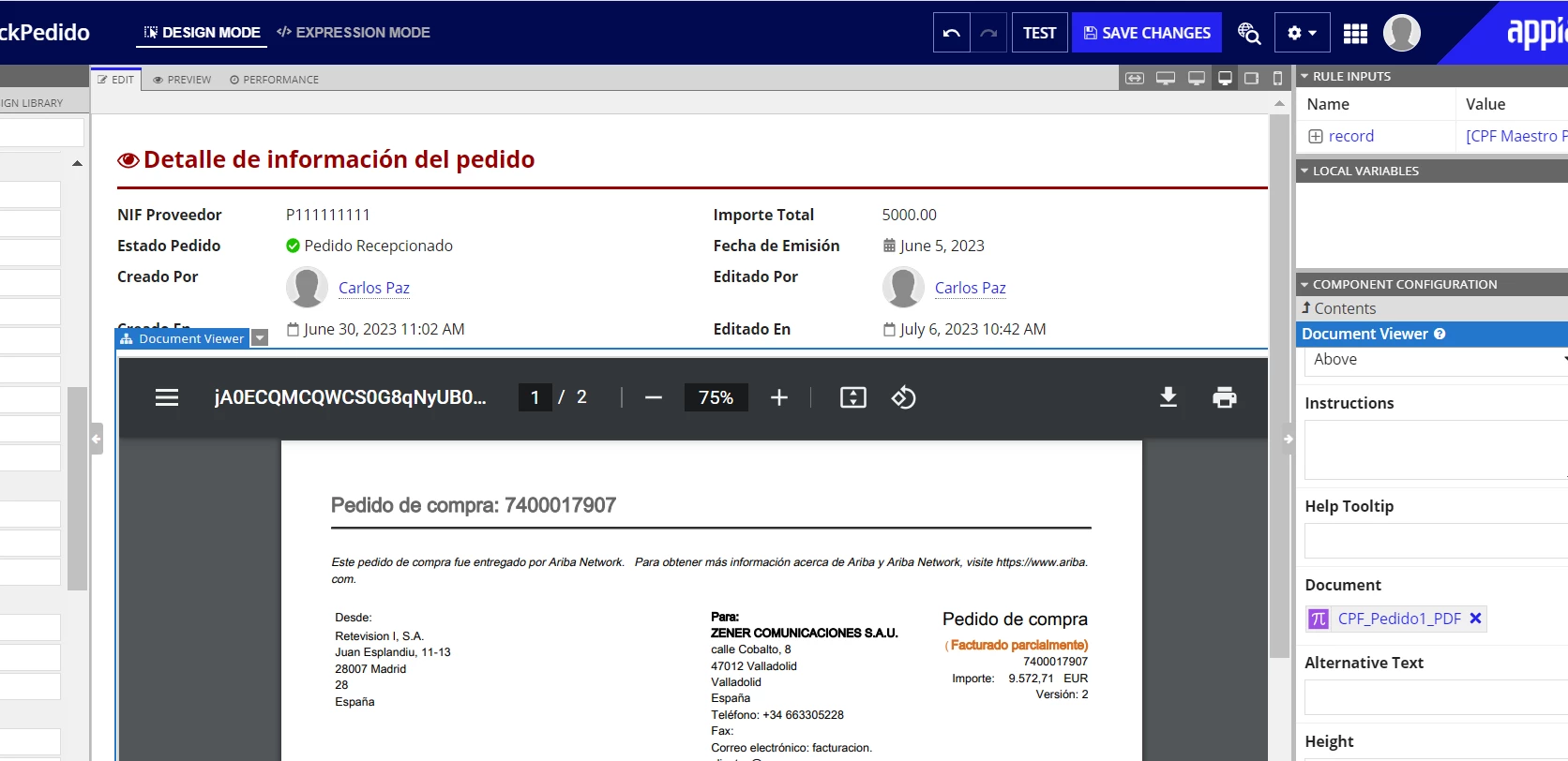
But the fact is that I want that the exact file which the user uploads (related with a Purchase Order ID), to be shown in the summary view for each Purchase Order ID. By now I can upload a the same static PDF for all the summary views, pointing to a constant. But I would want to associate the PDF with its order and show the correct one for each PO. How can I do that? 
Thank you so much for your time

    7 replies

    stefanhelzle0001
    Brainy
    July 9, 2023

    Can you share the code snippet of that fileUploadField?

    I typically store the ID of the uploaded file in a field of the record. Then I use that field to show the uploaded field in the record view.

    July 9, 2023

    For sure, here you have it:

    I have heard of the option you said, but how can I generate a different ID for each PDF and save it into my record field "pedidoPDF"? 

    Thanks again!

    mathieud0001
    Brainy
    July 10, 2023

    Looks fine from a component perspective. But would help to see the whole form.

    You'll need to call a!submitUploadedFiles() in thr saveInto of your submit button if this is not a startForm.

    [View:https://docs.appian.com/suite/help/23.2/File_Upload_Component.html#:~:text=Submitting%20files&text=In%20start%20forms%20and%20tasks,of%20a%20button%20or%20link].