

osamag0002
April 10, 2022
Question

How to view an uploaded image into the database

  • April 10, 2022
  • 3 replies
  • 0 views

in a simple process that consists of two steps

first : student upload image or pdf of his certification

second : secretary review document 

My Question : how to connect the image component in the secretary  interface to the uploaded document by student ?

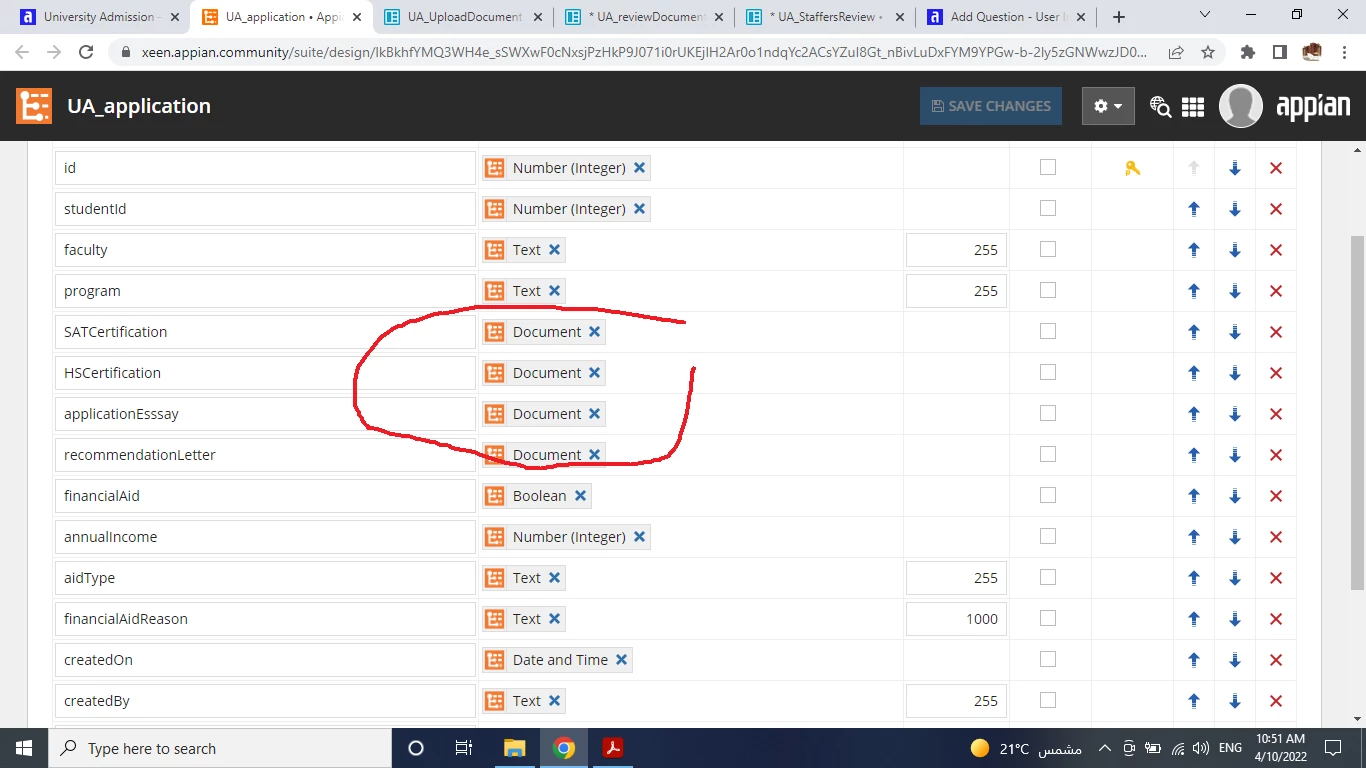
p.s in the student form the uploaed document is saved a table of Document Type
3 replies

stefanhelzle0001
Brainy
April 10, 2022

Use the a!documentImage function to turn a document into an image.

docs.appian.com/.../Document_Image_Component.html

gopalk2865
Participating Frequently
April 10, 2022

What is the issue you are getting by the way? If user has uploaded a document in pdf then use document viewer function. If uploaded file is an image then use a! documentImage() .

harshitb6843
April 10, 2022

Hi there,

You can upload the documents using the file upload field and store the document id in a column in the desired table. Then you can use the documentViewer field to show the document. The viewer supports the following types - PNG, JPG, JPEG, and PDF.