
August 27, 2024
Question

ImageField Component is Not Functioning Correctly Between Environments

  • August 27, 2024
  • 7 replies
  • 0 views

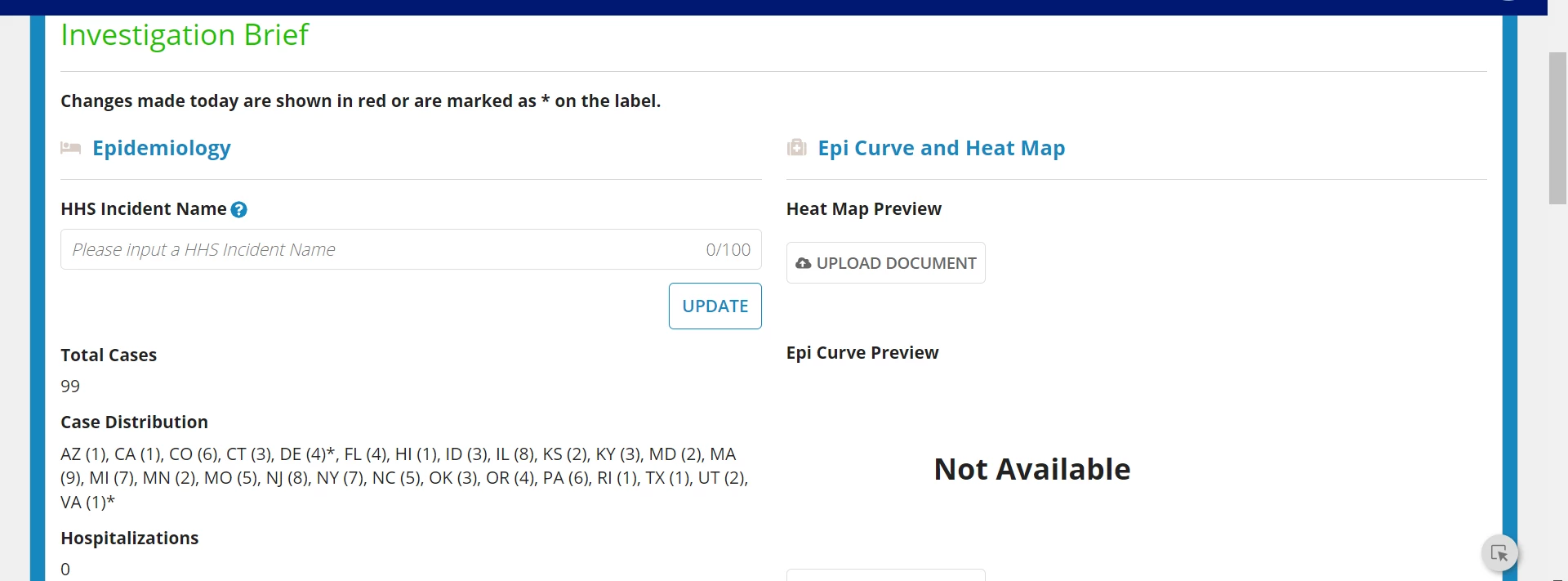
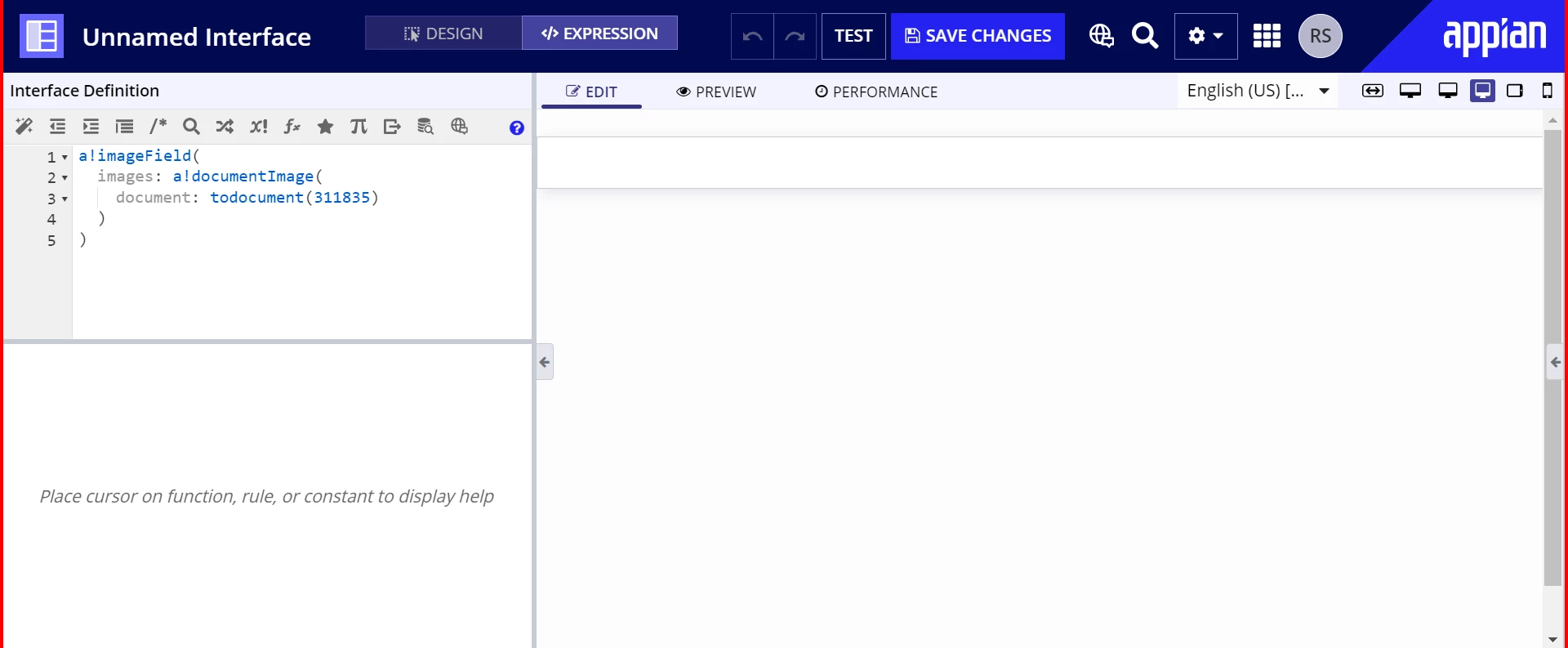
We recently pushed deployed an interface from our development environment into our preproduction environment. A part of this interface is a document upload that then uses an imageField component to render the an uploaded heat map image. The component and interface worked as expected in development but in preproduction the image fails to render. We have checked things like security even though we noticed while logged in as admins. We tested using a small-scale interface and experienced the same behavior. I'm not sure what could be the discrepancy at this point. I'll upload some screenshots for clarity.
7 replies

csteward
August 27, 2024

The last 2 screen shots - are those different environments or different documents within the same environment?

The form submits the form/document via a!fileUploadField, but then it is not available, correct?  Or is this using a!submitUploadedFiles()?

Can you confirm in /design that the document ID correctly references the file you are expecting to preview?  Such as:

kumara0180
August 27, 2024

As [mention:124cfac3ed754d2d8c4a043c0b4591cf:e9ed411860ed4f2ba0265705b8793d05]  mentioned below. Can you check if correct document ID is being referred. Document ID and groupId would be different across environments.  One way to handle that is to create a constant pointing to that document and use the constant in your expression rule or interface.  

August 28, 2024

I could do a constant but I confirmed the document ID was correct for each environment.

August 28, 2024

Hi [mention:6145243786ff48c4814d1b3cd609f520:e9ed411860ed4f2ba0265705b8793d05] 

Frist check document is present in environment or not?

August 28, 2024

Hmm, interesting. I created a test similar to what you outlined. I pulled the logical checks as local variable to see their output. The results show that preprod is registering the document as existing but still is not rendering it. The first screenshot is of our dev environment where everything works great. The second is our preprod environment after deploying with the documentId updated in the test.

csteward
August 28, 2024

How big is the document file?  Might not be related, but just to add, I've noticed some larger images can take a while to render AFTER the loading bar has completed (when it does not look like additional processing is occurring), vs a quicker experience from a cached image on your dev server.  If the file has any size, I would leave it up for a minute+ and see if anything happens.  Food for thought, we see some odd occurrences occasionally like this on pre-prod/test servers that have lower performance than prod/dev.