

shanmathip7466
October 18, 2024
Solved

In Pane Layout, Space is displayed inside Pane (a! Pane)

  • October 18, 2024
  • 8 replies
  • 0 views
  • In a section, I used a pane layout with two panes. In that interface, I don't see any space in the bottom of the pane.
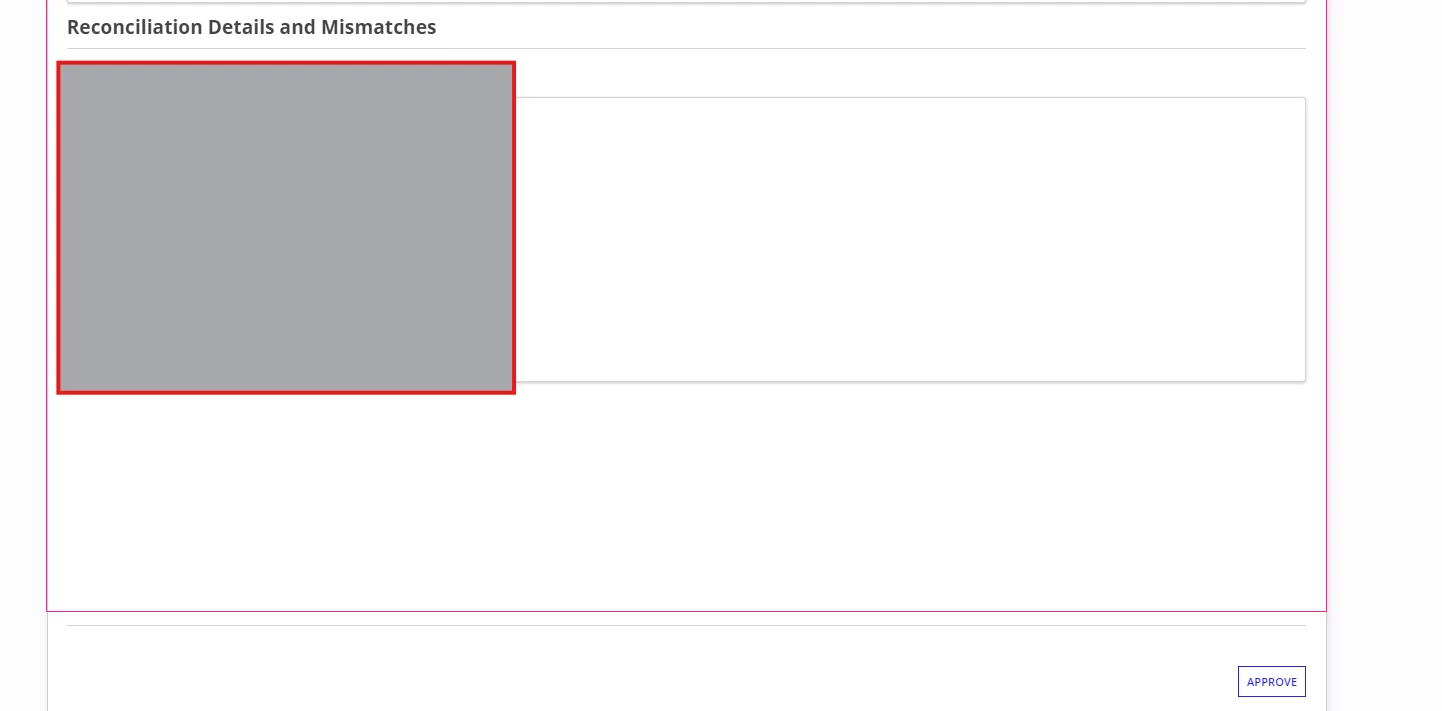
  • But when I call the Section which has pane in the Main form and I add a buttons below that more space is being displayed. I analyzed and I don't see the cause. Attached image of the Main form.

Best answer by stefanhelzle0001

The formLayout is the only layout that works in perfect harmony with the various situations a task could be displayed. As a pane layout does not go into a form layout, that's not an option.

You could try to add a card with a fixed height. In case the content grows longer, you will see scroll bars just in that card.

8 replies

kumara0180
October 18, 2024

I have seen this as well. Pane does take a default fixed height. You can keep the buttons inside the button to improve the look and feel

shanmathip7466
October 18, 2024

Hi [mention:d71dc0922a44411db41369c6058e69ad:e9ed411860ed4f2ba0265705b8793d05] 

What do you mean by Buttons inside button. I replaced PaneLayout with ColumnsLayout.

kumara0180
October 18, 2024

Sorry I meant Button inside paneLayout. Columns Layout is good alternative when you don't want to have independent scrolling in the columns

somasundaram.d
October 18, 2024

Like formLayout, the pane layout is a top-level layout that is meant to provide the overall structure for an interface. So it is not advised to nest a panelayout inside other components.

But if you still want to have it in a container, you can use headerContentLayout instead of form layout.

shanmathip7466
October 20, 2024

Hi Soma,

Yes I got what you said.

But what if I need a independent scrolling for two columns, and need buttons at bottom as usual.

In my case, it is one of the approval process for the uploaded Invoice document, where I should show the document viewer on the right side. In the left side, extracted Invoice Doc data will be displayed. If they want they can edit the data by referring the doc on right side pane.

Then approver can decide by using three buttons at bottom.

stefanhelzle0001
October 20, 2024

The formLayout is the only layout that works in perfect harmony with the various situations a task could be displayed. As a pane layout does not go into a form layout, that's not an option.

You could try to add a card with a fixed height. In case the content grows longer, you will see scroll bars just in that card.

prasantap0900
October 21, 2024

you can use card as button