
March 7, 2022
Solved

Interface with grid layout

  • March 7, 2022
  • 4 replies
  • 1 view

Hi,

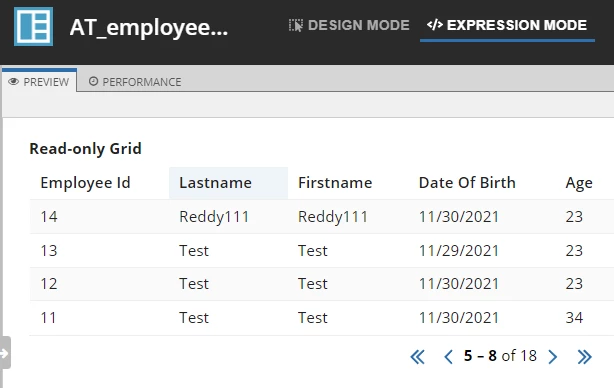
I have a requirement to load the data in a grid format and along with paging options, Export to Excel, Few Search Filters.

Right now I have used "a!gridField" to load the data and I am able to provide paging to navigate between pages.

But, I am unable to provide user filters / SearchFilters, ExportExcel features with "a!gridField" control.

Can someone advise on this? Thanks in advance.
Best answer by harikishorereddyc0001

Thanks. Your advice helped me.

4 replies

andrewh0007
March 7, 2022

These features can only be used when the source of data is a record type. Check out the documentation.

https://docs.appian.com/suite/help/22.1/Paging_Grid_Component.html

"This parameter only applies when a record type is used as the source in the data parameter."

March 7, 2022

Thanks for your reply.

Right now I am using version 21.4, where I am unable to join the data from multiple tables and show by using RecordType.

Because it is allowing me to select a particular data type.

Is there a solution in RecordType that I can use to get the data from multiple tables (Parent & Child ) and display in grid format in version 21.4.

andrewh0007
March 7, 2022

I'll be honest...this is something I need to invest more time into but my understanding of records and data models from reading release notes and documentation I'd say this is completely possible.

Check out https://docs.appian.com/suite/help/21.4/record-type-relationships.html

Basically, you create multiple record types and then you build up relationships between them which are easily referenceable including in grids.