
January 30, 2025
Question

Is there a way to make column chart scrollable when there are many columns?

  • January 30, 2025
  • 3 replies
  • 0 views

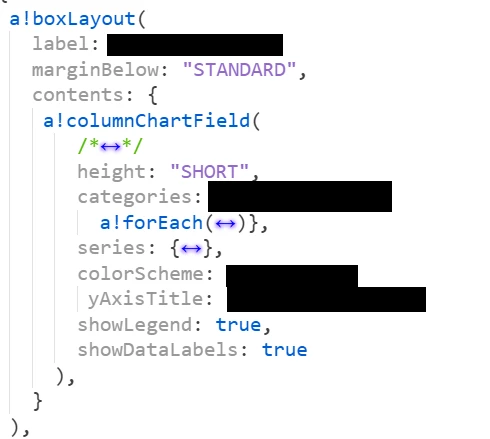
Hi Appian community members, currently we are using a!columnChartField to display some columns in a UI. Recently there are many columns added, is there a way to make the column chart scrollable from left to right so all columns not squeezed?

a!columnChartField seems don't have any parameters can control whether scrollable. Any suggestions?

Thanks.
3 replies

shubhama926776
January 31, 2025

[mention:a758504ea556410e932334926f11c502:e9ed411860ed4f2ba0265705b8793d05]  How many max columns your are expecting?

noahc4544Author
January 31, 2025

About 30 columns. 

konduruc733182
January 31, 2025

Hello [mention:a758504ea556410e932334926f11c502:e9ed411860ed4f2ba0265705b8793d05] 

The component would basically do it for you when you have more number of categories and supporting data in the chart series and the width of the layout in which you have put the chart is lesser than it is supposed to be. We do not have any special parameters for that. You can control it using a columns layout and the column width in which the chart is defined.