

ayushg0003
May 10, 2021
Solved

problem in showing data using Web integration
  • May 10, 2021
  • 7 replies
  • 0 views

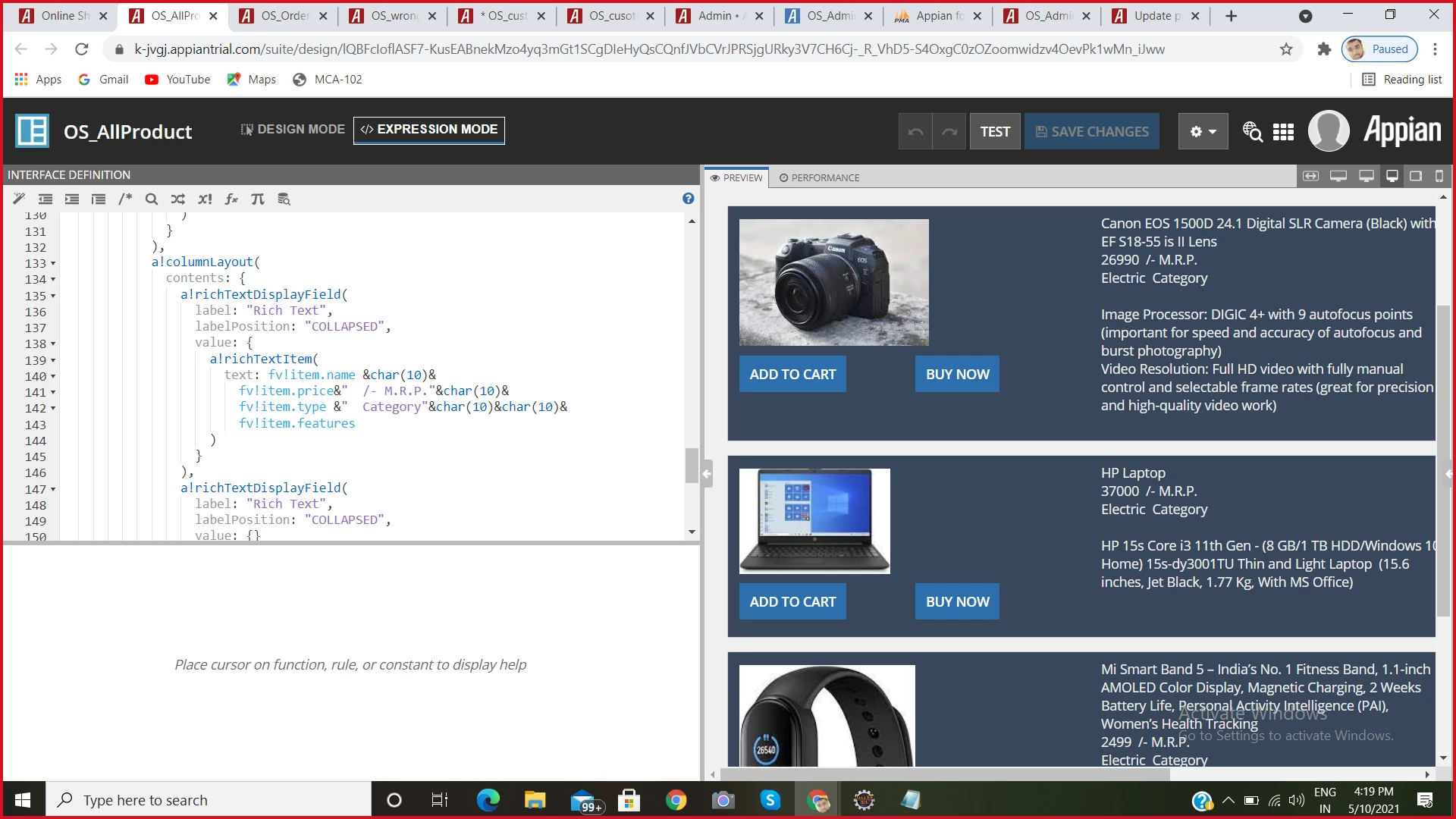
when i use normal database using through expression rule it will be show in multiple card's
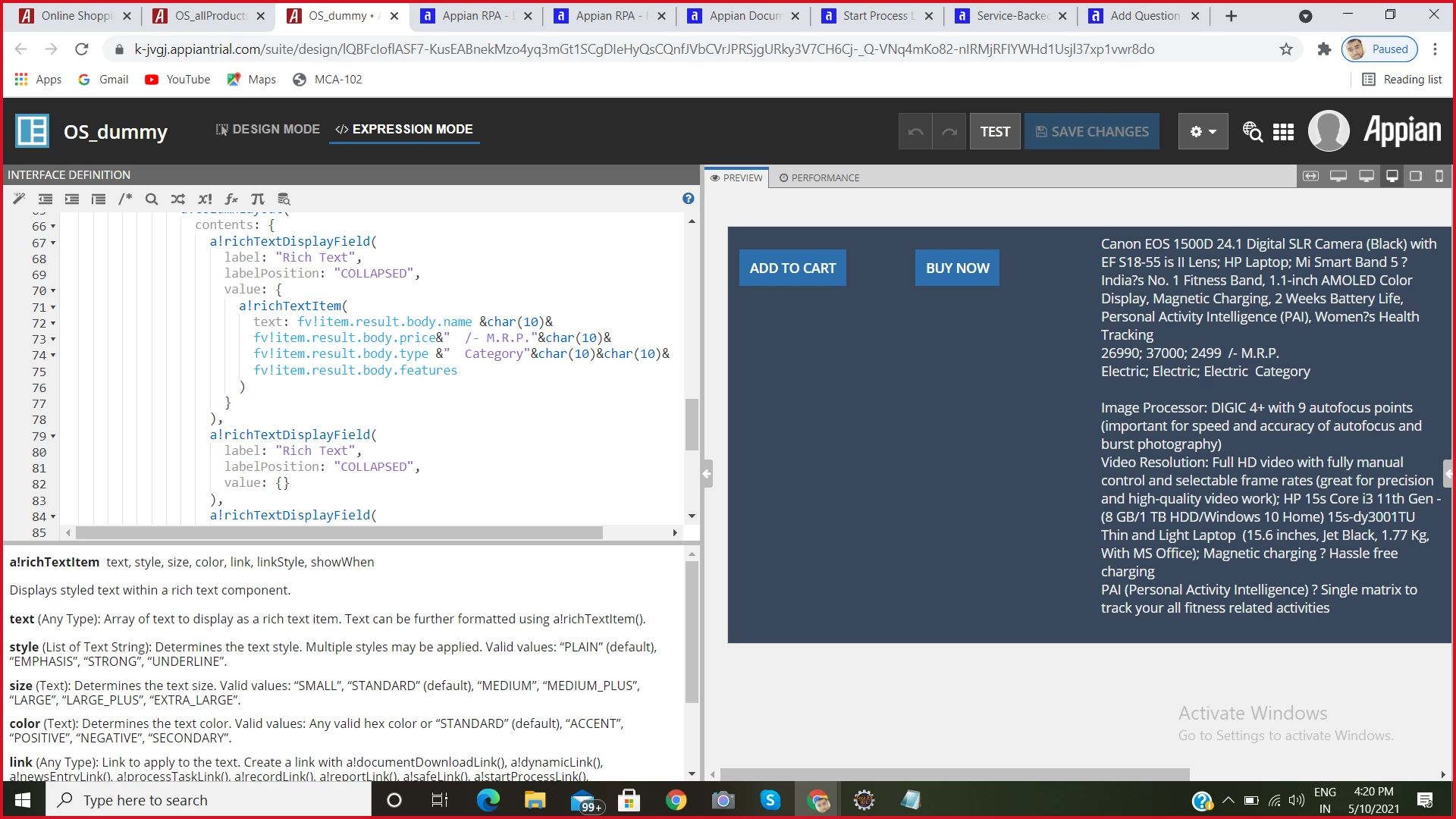
when i use web integration so it will showing all information in only one card layout , how can i spilt this information into multiple card layout's

Best answer by marco.amador

Ok, so on line 9, instead of having:

items: local!list,

try:

items: local!list.result.body

Then you will need to adjust the rest in order to have fv!item.property instead of fv!item.result.body.property.

Hope this makes sense!


7 replies

marco.amador
May 10, 2021

Hi,

In your second screenshot, it seems fv!item is referring to the full output of your integration, and you only have one of those, hence only one card. But you have multiple 'fv!item.result.body.quantity', which are all retrieved and concatenated in this case.

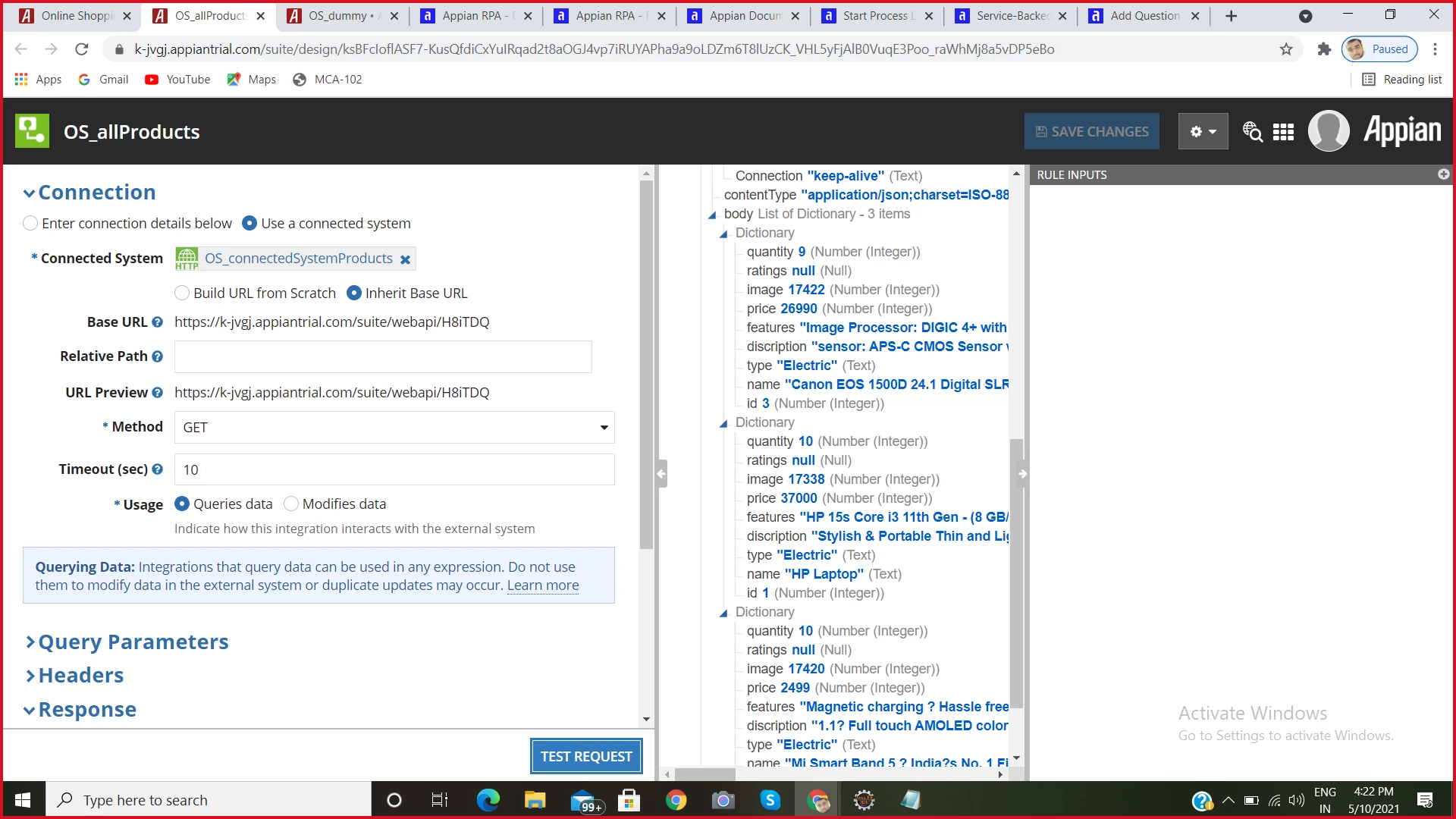
Instead of iterating over the full integration result, you will need to iterate over each item in [integrationResultVarName].result.body.

Hope this helps!

Marco

ayushg0003
May 10, 2021

can you please suggest me any documentation link related to this problem , so i can easily understand 

thanks in Advance

marco.amador
May 10, 2021

I don't have a particular documentation link, but could you post what you have configured under your a!forEach call, more precisely what you have specified under the 'items' keyword parameter?