Question
Problem with dateField and Button
Hi,
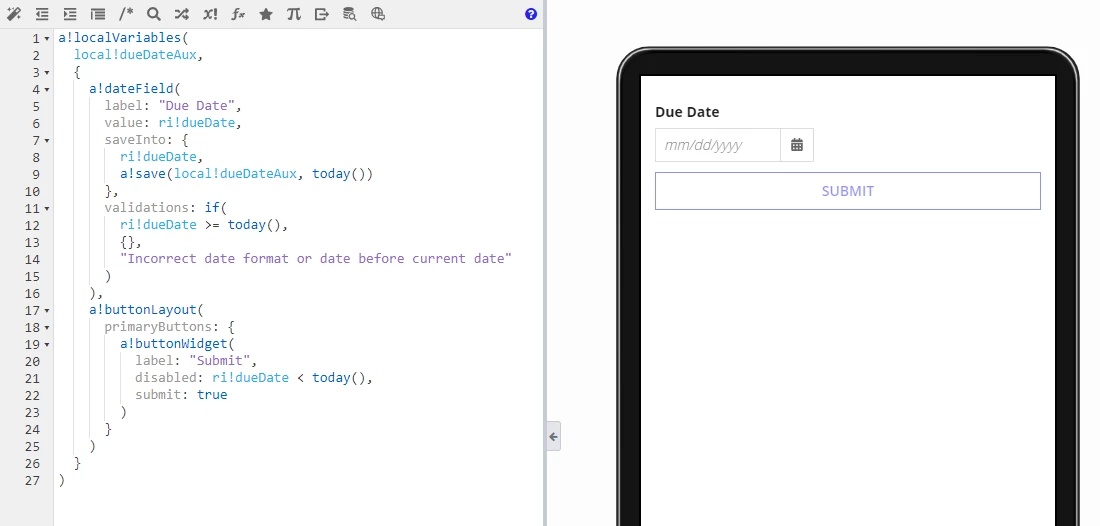
I would like the button to be active by default if no date is selected or if a date equal to or after today is selected. And at the same time, the button is disabled if an invalid date or date older than today is entered.
The problem is that I can't differentiate when the user enters a wrong date and when they leave the field empty.
a!localVariables(
  local!dueDateAux,
  {
    a!dateField(
      label: "Due Date",
      value: ri!dueDate,
      saveInto: {
        ri!dueDate,
        a!save(local!dueDateAux, today())
      },
      validations: if(
        ri!dueDate >= today(),
        {},
        "Incorrect date format or date before current date"
      )
    ),
    a!buttonLayout(
      primaryButtons: {
        a!buttonWidget(
          label: "Submit",
          disabled: ri!dueDate < today(),
          submit: true
        )
      }
    )
  }
)