
May 20, 2022
Question

RE:Increasing width.

  • May 20, 2022
  • 8 replies
  • 0 views

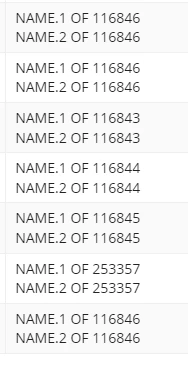
How will i increase the width of coumn? scenario: I have a grid which is for dashboard level and also at application level ,in dashboard level it is working fine like image1. but same interface used in application level in (image 2). column not showing properly. (image2)
    8 replies

    May 20, 2022

    can someone suggest on this please?

    arockiaprincyv0003
    May 20, 2022

    You can set the column width through width parameter like this 

    columns:{

    a!gridColumn(
    label:"First Name",
    width: "2X"
    )...

    Determines the column width. Valid values: "AUTO", "ICON", "ICON_PLUS", "NARROW", "NARROW_PLUS", "MEDIUM", "MEDIUM_PLUS", "WIDE", "1X", "2X", "3X", "4X", "5X", "6X", "7X", "8X", "9X", and "10X".

    May 20, 2022

    but I have used readonly grid.

    arockiaprincyv0003
    May 20, 2022

    You can use  width and weight property in editable grid also

    columnConfigs: {
    a!gridLayoutColumnConfig(
    width: "DISTRIBUTE",
    weight:3 ),
    a!gridLayoutColumnConfig(
    width: "DISTRIBUTE",
    weight:2 )

    }

    Weight Determines how wide distributed columns are in relation to each other. Valid values: integers from 1 (default) to 10