November 4, 2025
Question

Upload file & display link

  • November 4, 2025
  • 8 replies
  • 0 views

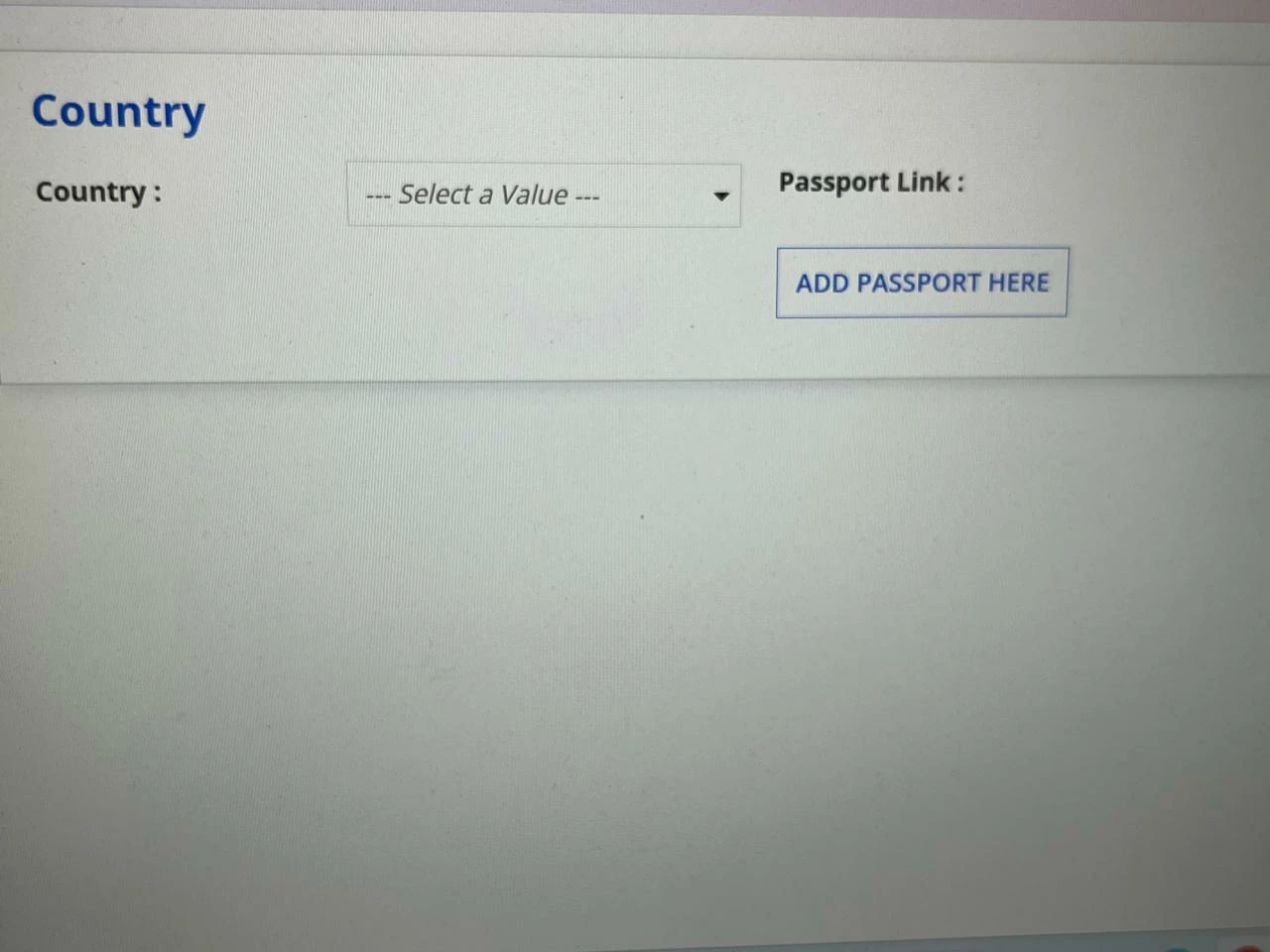
How can i achieve this , pls guide . 

When I click on ADD PASSPORT HERE -  and upload a file the file link should be reflected on the "Password Link: " above . Also if I click on the uploaded link it will re-direct me to the file .

8 replies

harshas2775
November 4, 2025

In recent Appian versions if document is uploaded its content and meta-data can be used without submitting the form as well. Which Appian version are you on and also, what is the behavior of your current implementation once user uploads the document?

November 4, 2025

Once user uploads the document , it will be stored in Database .

I am using 25.1 version .

harshas2775
November 4, 2025

And once the document is stored in database you can show the documentDownload link using the id stored. What challenge are you facing?

stefanhelzle0001
November 4, 2025

What did you try so far?

mikes0011
Brainy
November 4, 2025

You will need to work within Appian's constraints for this (especially prior to version 25.3+ wherein some things have been improved upon slightly).  Namely before you can display a "link" to a file you'll need the new upload (the contents of your upload field) to be "submitted" to Appian - it's unusable for most things prior to that. 

On a TASK (anything within a PROCESS) you'll need the form to be SUBMITTED first - the process can loop the user straight back into an identical task (the user won't notice any difference) but the document will now be able to be displayed in a download link and/or embedded on-form (provided it's the right file type).

In a SITE (or any other interface not being displayed as part of a PROCESS) you'll need to use "a!submitUploadedFiles()" within your button to push the newly-uploaded file into the usable area of Appian's filesystem (similar to the SUBMIT operation if it were done in a PROCESS TASK as mentioned above).  Prior to doing this, you are severely restricted from what you are able to do with the uploaded file.

Once you have satisfied these constraints though, it is all up to whatever you would like to design.