
November 11, 2025
Question

Validation of Required Fields Across Multiple Tabs When Submitting a Form

  • November 11, 2025
  • 3 replies
  • 0 views

Hello everyone! Good morning!
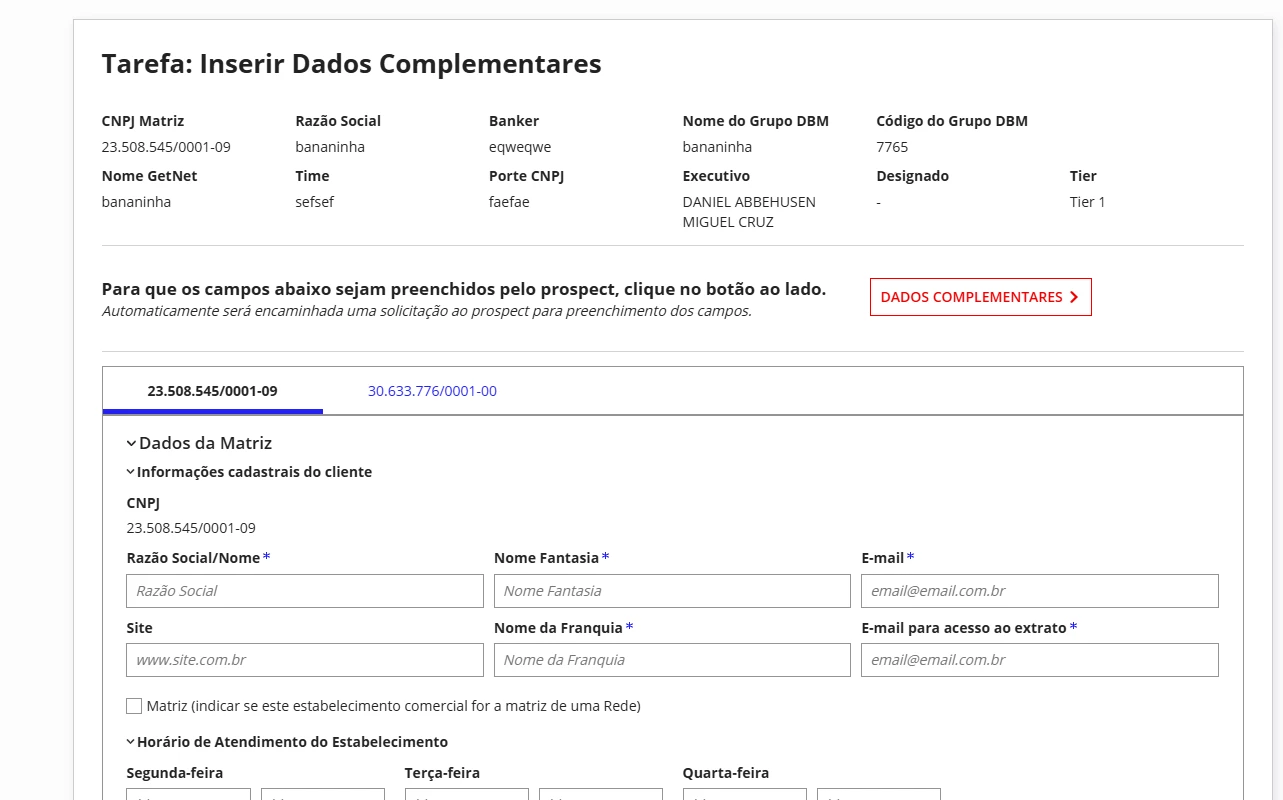
I’m facing a challenge with a form that contains several tabs, each with the same fields, but filled with different data.

The issue is that, when the user clicks the Submit button, Appian only validates the required fields in the active tab. This impacts our business logic because we need to ensure that all required fields in all tabs are completed before submission.

Goal:
Validate all required fields, regardless of which tab is active, when the user clicks Submit.

Question:
Has anyone encountered a similar situation or have any suggestions on how we can achieve this?

I’ll attach an image showing part of the form for additional context.Thank you in advance for your help!
3 replies

shubhama926776
November 11, 2025

Interface checks only the active tab because hidden tabs aren't loaded, so their validations don't run by default.
Create a single validation rule that checks each tab's data separately (local!tab1Data, local!tab2Data), then validate all at once when Submit is clicked.

stefanhelzle0001
November 11, 2025

The form layout also has a validation parameter. Add all your validations there.

To make this a good UX, you will also have to highlight the tab containing a failed validation, and add all the validations to the individual fields as well.

mikes0011
Brainy
November 11, 2025

An additional and often-overlooked tool for this sort of general use case is form-level and section-level validations using a!validationMessage(), with the "validateAfter" parameter set to "SUBMIT".

Say you have 3 sections and you want to validate the contents of sections 1 and 2 only when the user attempts to click "SUBMIT" in Section 3; in this case you would need to manually maintain local variables tracking the validation of sections 1 and 2, and if any of them are not in a passing state upon trying to click submit in section 3, you would display your validationMessage (in whatever appropriate location you deem necessary), explaining that the user needs to review the items on section 1 and/or 2 as necessary.