November 13, 2025
Solved

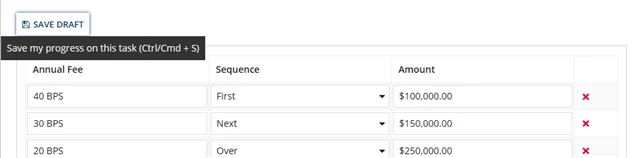
Want to remove the save draft button

  • November 13, 2025
  • 5 replies
  • 0 views

I have a record action configured with User input task form , In that interface there is save draft button on the left corner I want to remove it . How can I do that?

    Best answer by shubhama926776

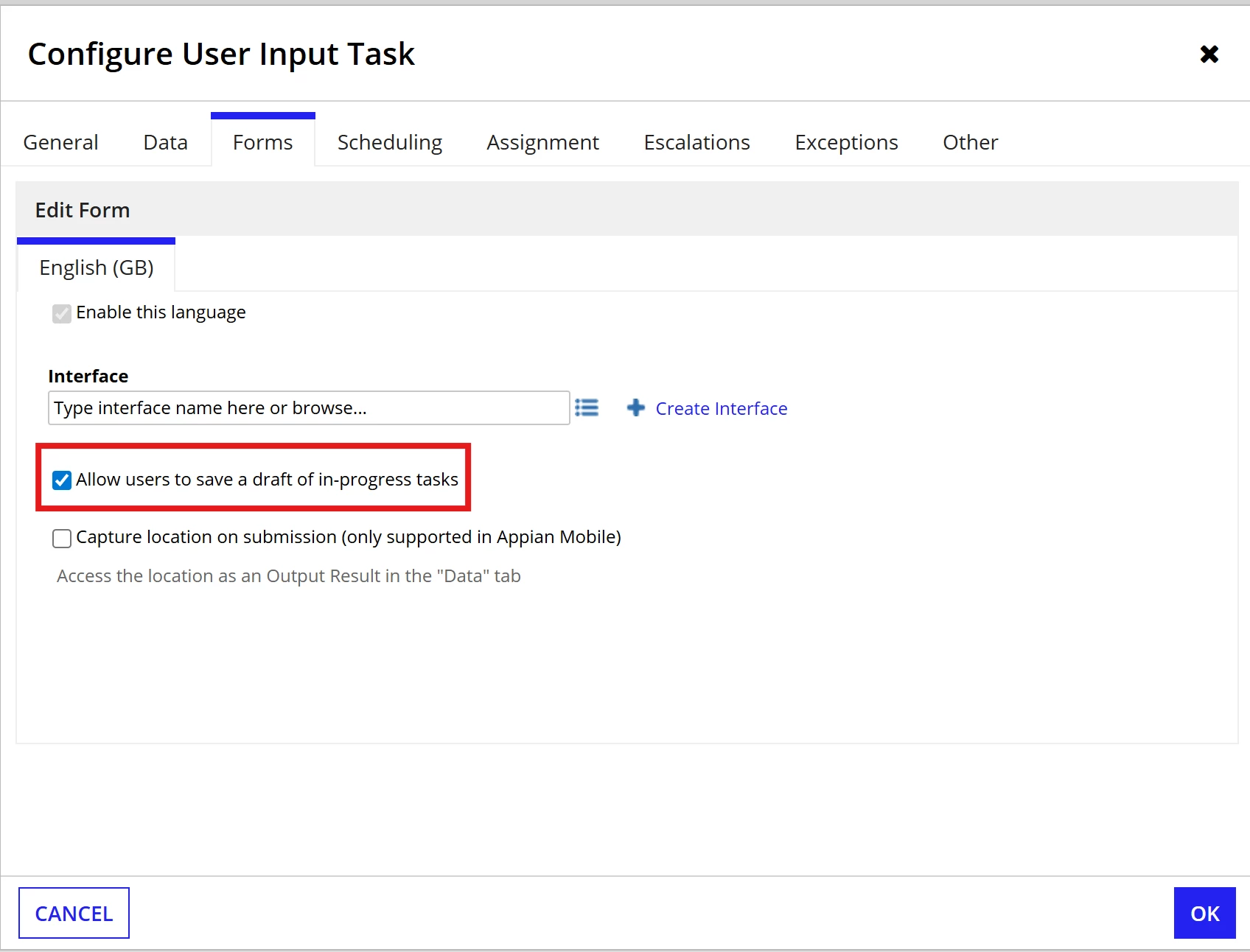
    Uncheck "Allow users to save a draft of in-progress tasks" in User Input Task.

    5 replies

    shubhama926776
    November 13, 2025

    Uncheck "Allow users to save a draft of in-progress tasks" in User Input Task.

    harshas2775
    November 13, 2025

    Disable/Unselect this checkbox in your user input task to achieve this!

    November 13, 2025

    You can deselect "Allow users to save a draft of in-progress tasks" in User Input Task in your process model. I hope this helps.

    stefanhelzle0001
    November 13, 2025

    Seems like you did not use the process start form feature, and added a user input task instead. Any reason to do so?

    November 17, 2025

    I need to fetch some data  pass to the interface before, and I didn't think of using start form since I am not familiar with it.