

KB-1307 "Please enable JavaScript before logging in!" or "401 Unauthorized" errors thrown when trying to log into Appian through Internet Explorer
Symptoms
In versions 16.3 and earlier, upon navigating to the login page using Internet Explorer, users see the following:
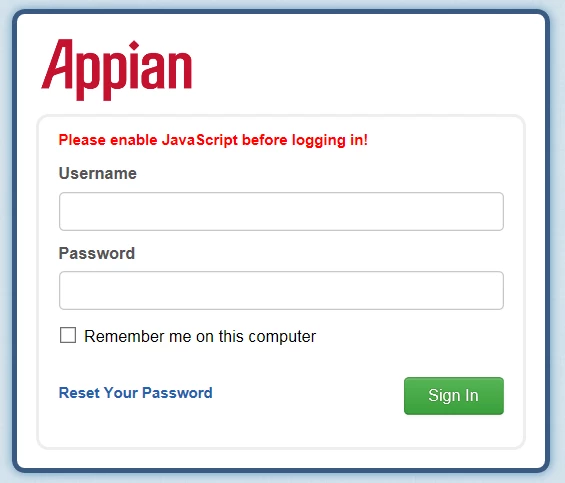
Please enable JavaScript before logging in!
In all versions of Appian, when users hit the "Sign In" button, they see a "401-Unauthorized" screen, even if they input the correct credentials.
Cause
JavaScript is not enabled on Internet Explorer.
Appian requires JavaScript to be enabled on the web browser.
Action
Please use the following Microsoft documentation to enable JavaScript on Internet Explorer: https://support.microsoft.com/en-us/help/3135465/how-to-enable-javascript-in-windows
Affected Versions
The following applies to all versions of Appian.