
KB-2108 Selecting context for a Process Report still prompts user to select context
Symptoms
After opening a Process Report object and selecting a value with "Select Context Process Model(s)", the screen still prompts a user to select context for the report, regardless of the value selected.
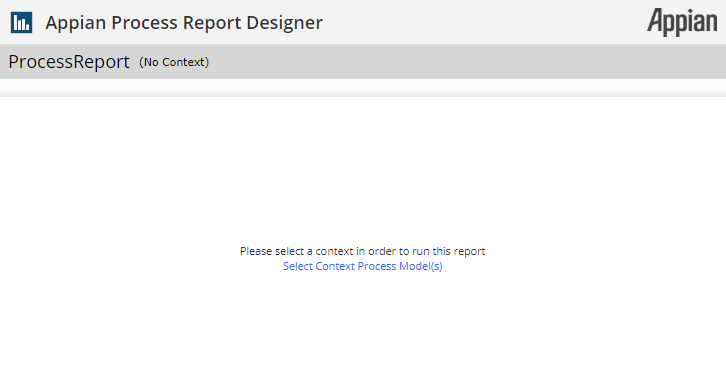
However, opening the same Process Report in Incognito or Private Browsing mode works successfully.
Cause
A browser extension, such as an ad blocker, is blocking Appian traffic needed by the Process Report.
Action
Disable the browser extension blocking Appian traffic for the affected site, or add the Appian URL to the extension's URL allow list.
Workaround
Open the Process Report in Incognito or Private Browsing mode.
Affected Versions
This article applies to all versions of Appian.
Last Reviewed: June 2020