January 30, 2026
Solved

Step-By-Step # 5 : "The data source cannot be reached or its configuration is invalid. Please contact your system administrator."

  • January 30, 2026
  • 15 replies
  • 0 views

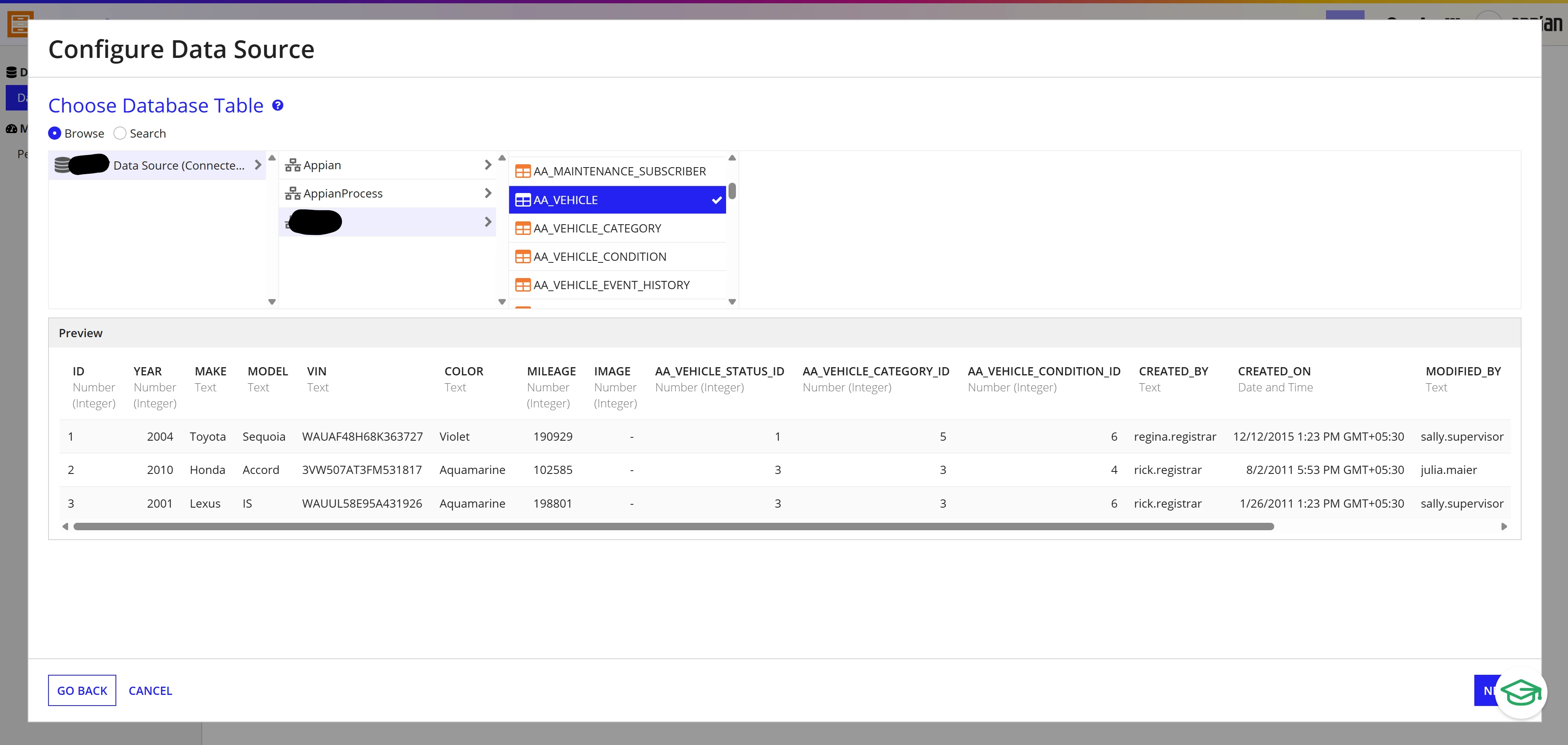
I am using Community Edition and  following the Appian Developer path. In for Step-By-Step # 5 I encounter a problem with selecting the database for the "Vehicle" Record Type.
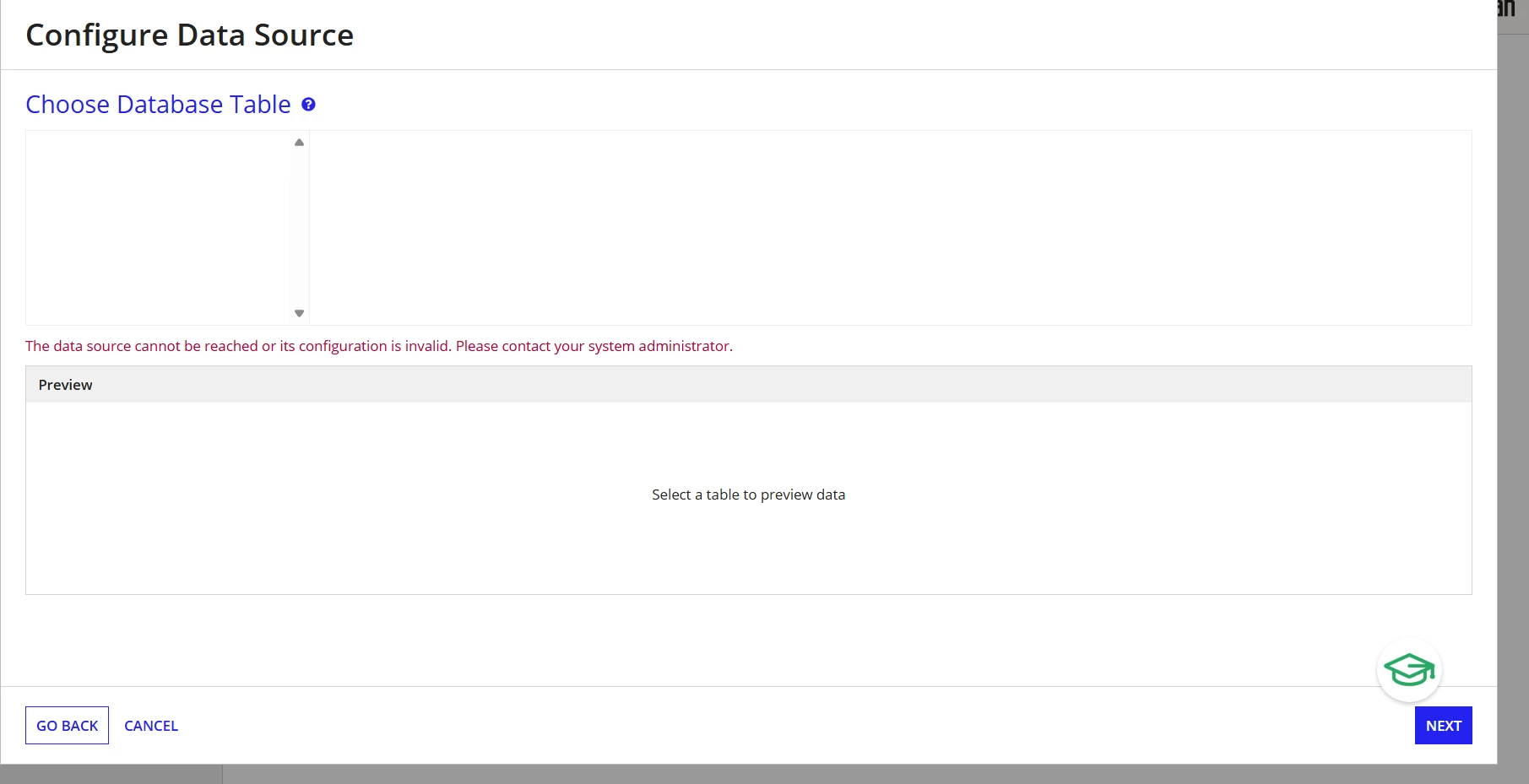
I followed all the steps1-4 and facing above change in Step 5. Appreciate any help/suggestions 

Best answer by shubhama926776

You need to set up a Shared Workspace to enable this option in the Community Edition of Appian.
Once you log in to the Community Edition environment and select your region, you will be prompted to fill out a survey, which will lead to the creation of a workspace.
After the workspace is created, this option will appear when you create a record.

I am attaching some screenshots for your reference.

15 replies

stefanhelzle0001
February 1, 2026

On this page you will find the available support options for the community edition.

community.appian.com/.../community-edition-guide

February 3, 2026

Thanks Stefan, for the link. Appreciate your time to reply. 

harshas2775
February 2, 2026

As in Community Edition we don't have much control over the data source setup, suggest you to send and inform to communityedition@appian.com so that Appian team can take a look. 

February 3, 2026

Thank you [mention:65b14048184a4eb5aff3a76c87b97431:e9ed411860ed4f2ba0265705b8793d05] , I have emailed to the mentioned email  communityedition@appian.com about this as well as the other issues (for over a week now) that my workspace is not generated and (haven't received any email ever since I registered for more than 3 weeks now. Being very new to the community , not sure if that is usual time to wait for response or its sth else. 

shubhama926776
February 2, 2026

You need to set up a Shared Workspace to enable this option in the Community Edition of Appian.
Once you log in to the Community Edition environment and select your region, you will be prompted to fill out a survey, which will lead to the creation of a workspace.
After the workspace is created, this option will appear when you create a record.

I am attaching some screenshots for your reference.

February 3, 2026

Thank you so much [mention:9861aef97eb2483a8b76175d9eda1e37:e9ed411860ed4f2ba0265705b8793d05] for suggesting the option. i will try it but it appears the Community Edition site is under maintenance (I am seeing this option since last weekend): Do we know how long does it take to usually ? 

shubhama926776
February 3, 2026

Generally, it will not take much time, but I can see that Appian is working to restore availability. As there is no concrete information, I recommend checking every day, though it will mostly not take much time to restore.