

gunasheelg004931
March 6, 2026
Solved

Unable to see new data table option

  • March 6, 2026
  • 6 replies
  • 0 views

Hi, I'm new to the Appian. I'm unable to see the 'New Data table' option as mentioned in this documentation: Create-record-data-source.html 
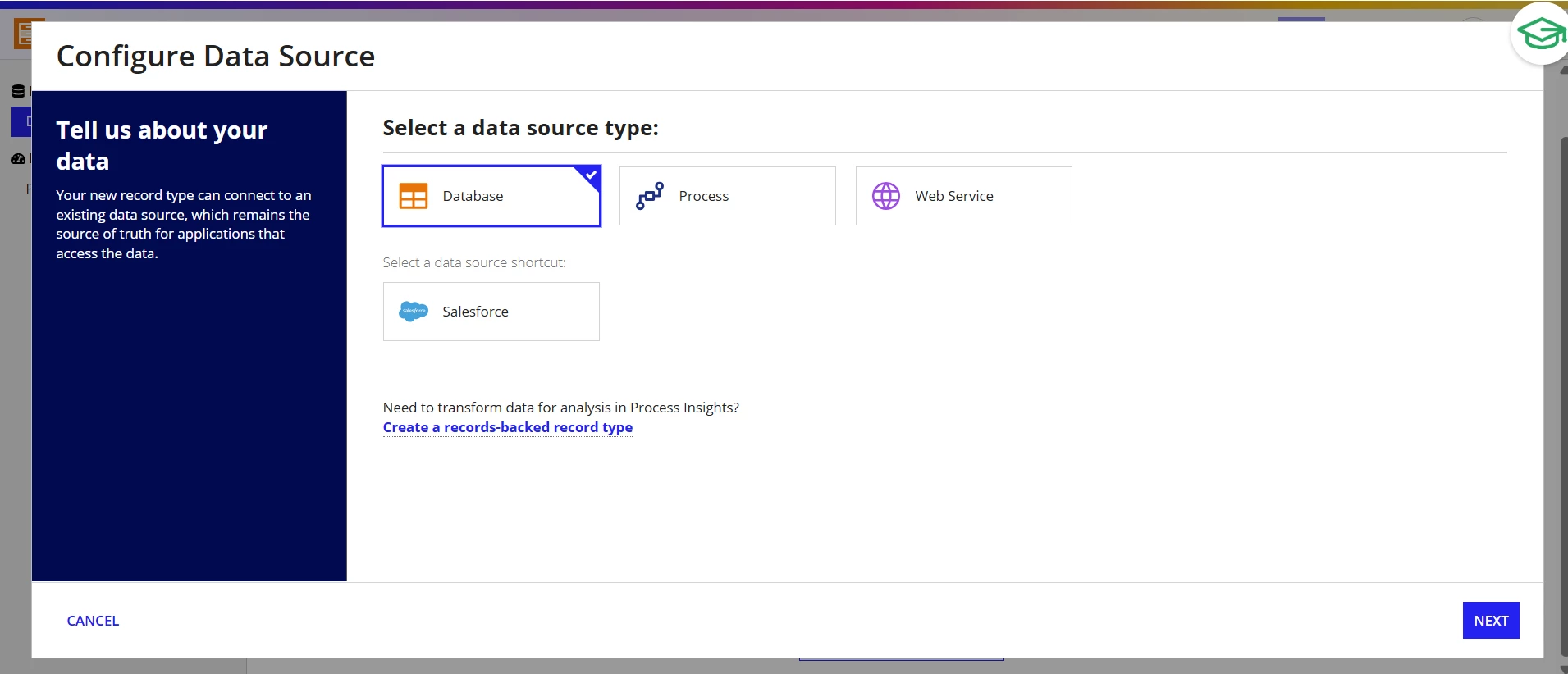
So, I Selected Database option and I'm unable to proceed after that. No options provided here to select.
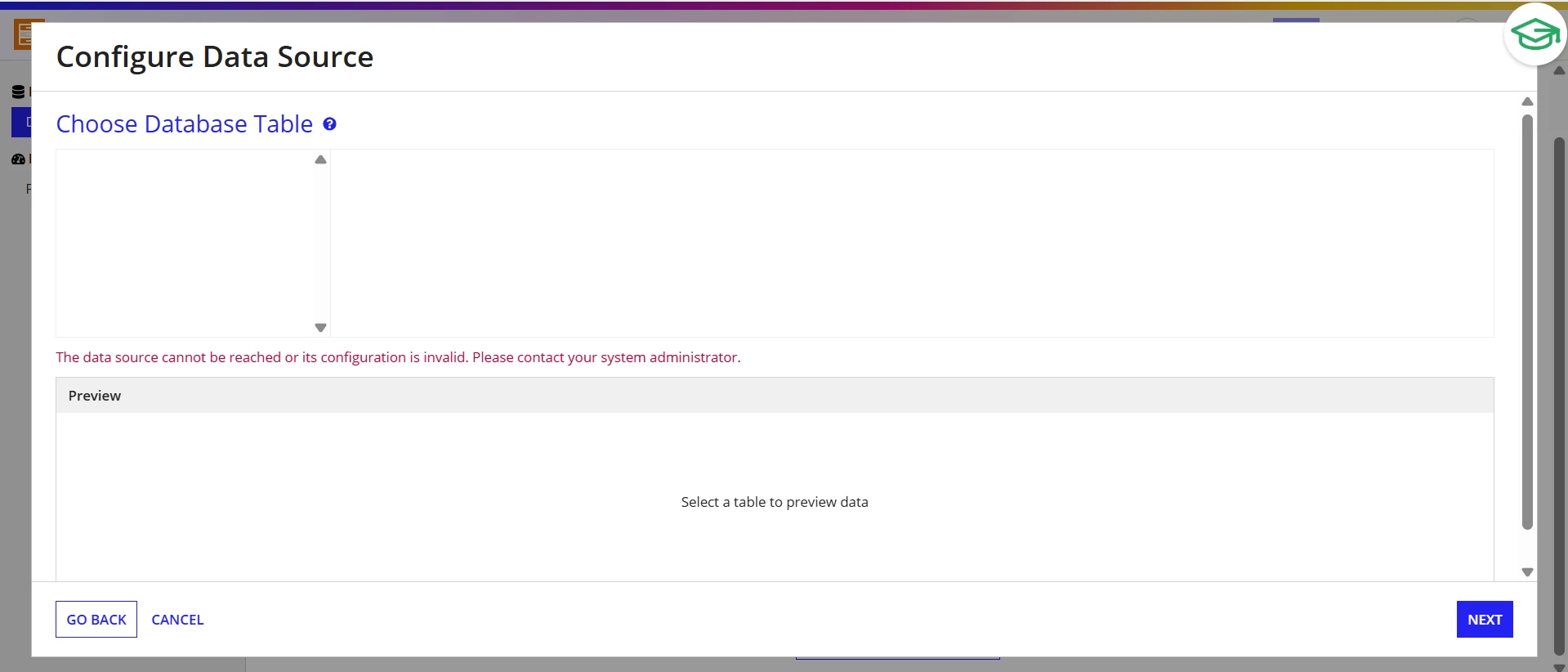
Help me resolve this and provide me the steps to create an database and make connection to the interface. Share any documentation URL or online course for this.

Best answer by shubhama926776

After logging into your Community Edition instance and selecting your region, instead of clicking directly on "Appian Designer" from the navigation menu, you'll encounter a survey that prompts you to create your own workspace. Complete this survey to create your workspace, then create a new application within that workspace(Wait for few minutes to create workspace for you then from navigation you can see Cloud Database option with workspace ID). When you try creating a record type in this newly created application, you'll find that the "Create Data from Scratch" option becomes available.
This workspace creation process through the survey flow, rather than directly accessing the designer, appears to unlock additional features including the built-in database capability that's typically restricted in the Community Edition.

You should receive email from Appian community edition for workspace creation.

https://community.appian.com/p/community-edition-guide#about

6 replies

shubhama926776
March 7, 2026

After logging into your Community Edition instance and selecting your region, instead of clicking directly on "Appian Designer" from the navigation menu, you'll encounter a survey that prompts you to create your own workspace. Complete this survey to create your workspace, then create a new application within that workspace(Wait for few minutes to create workspace for you then from navigation you can see Cloud Database option with workspace ID). When you try creating a record type in this newly created application, you'll find that the "Create Data from Scratch" option becomes available.
This workspace creation process through the survey flow, rather than directly accessing the designer, appears to unlock additional features including the built-in database capability that's typically restricted in the Community Edition.

You should receive email from Appian community edition for workspace creation.

https://community.appian.com/p/community-edition-guide#about

gunasheelg004931
March 9, 2026

Thanks [mention:9861aef97eb2483a8b76175d9eda1e37:e9ed411860ed4f2ba0265705b8793d05] , this is working now.

I already tried creating workspace by completing survey multiple times, at that time workspace didn't get create but now it got created. Any specific reason?

shubhama926776
March 9, 2026

The site was most probably under maintenance at that time.