
KB-1700 Document security does not update after moving a document
| This issue has been resolved in an Appian hotfix/new Appian version. Please apply the latest hotfix to your Appian installation or upgrade to the latest version of Appian. |
Symptoms
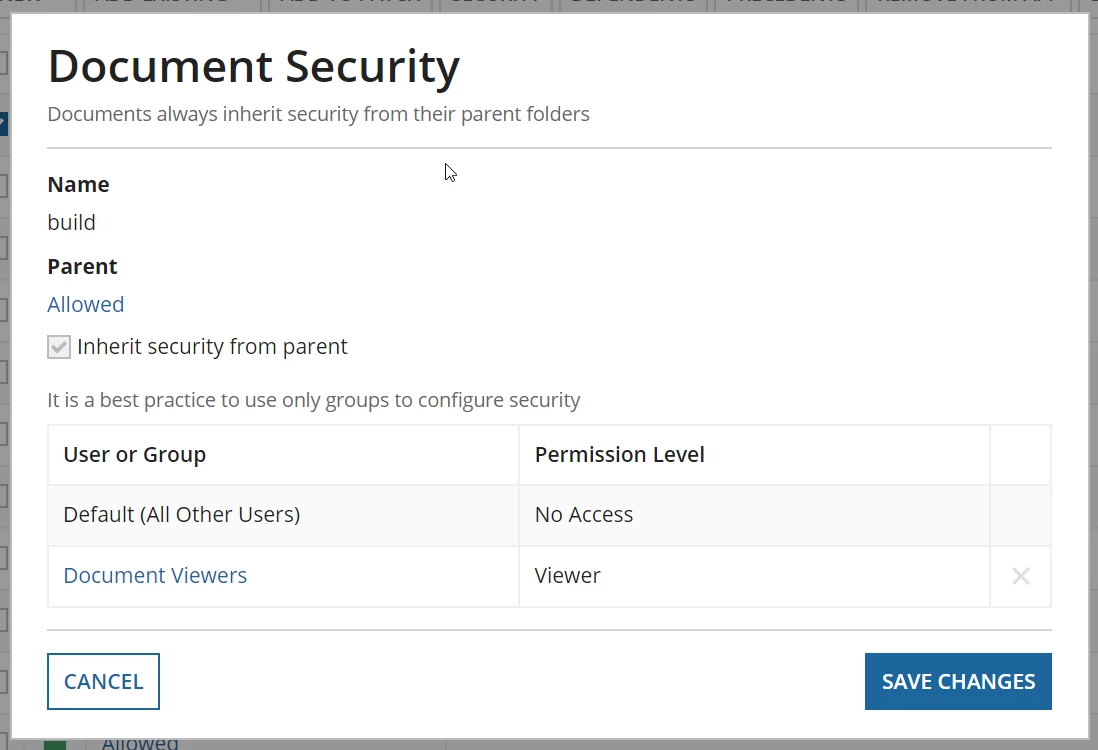
After moving a document to a new folder via Appian Designer or using the Move Document smart service, the document remains inaccessible to users who have "Viewer" privileges or higher to the target folder but no access to the source folder. These users are able to see new documents uploaded to the target folder as expected.

When viewing the security of the document itself, the security matches the target folder's security as intended.
Cause
This issue has been addressed in Appian 19.1.
Action
Upgrade to the latest version of Appian.
Workaround
If the issue is encountered when moving documents using Appian Designer, consider using a process model with the workaround below.
Include an Inherit Security from Parent for Document smart service node, provided by the Content Security Utilities Shared Component, after the Move Document node in the impacted process models. The smart service will force the content security to refresh after it has been moved.
Affected Versions
This article applies to Appian 18.4 and earlier.
Last Reviewed: June 2019