
July 29, 2025
Question

rich text editor is not working in On-premises envionment

  • July 29, 2025
  • 4 replies
  • 0 views

Hi Team,

currently we are 25.1 appian version in on ON-Premises env.

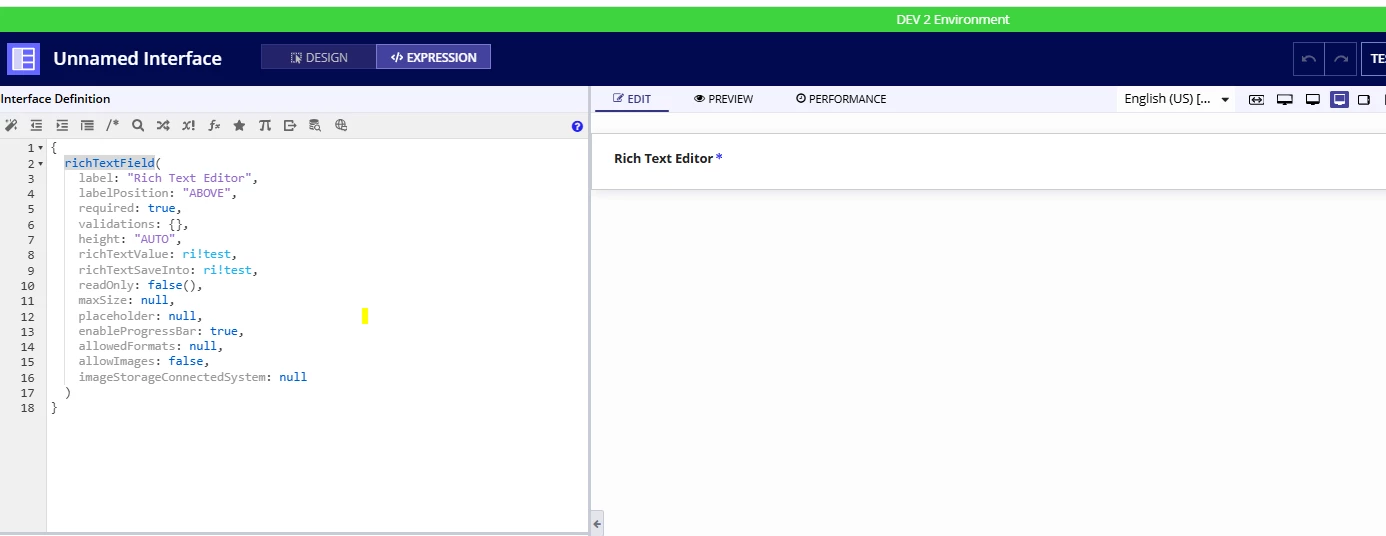
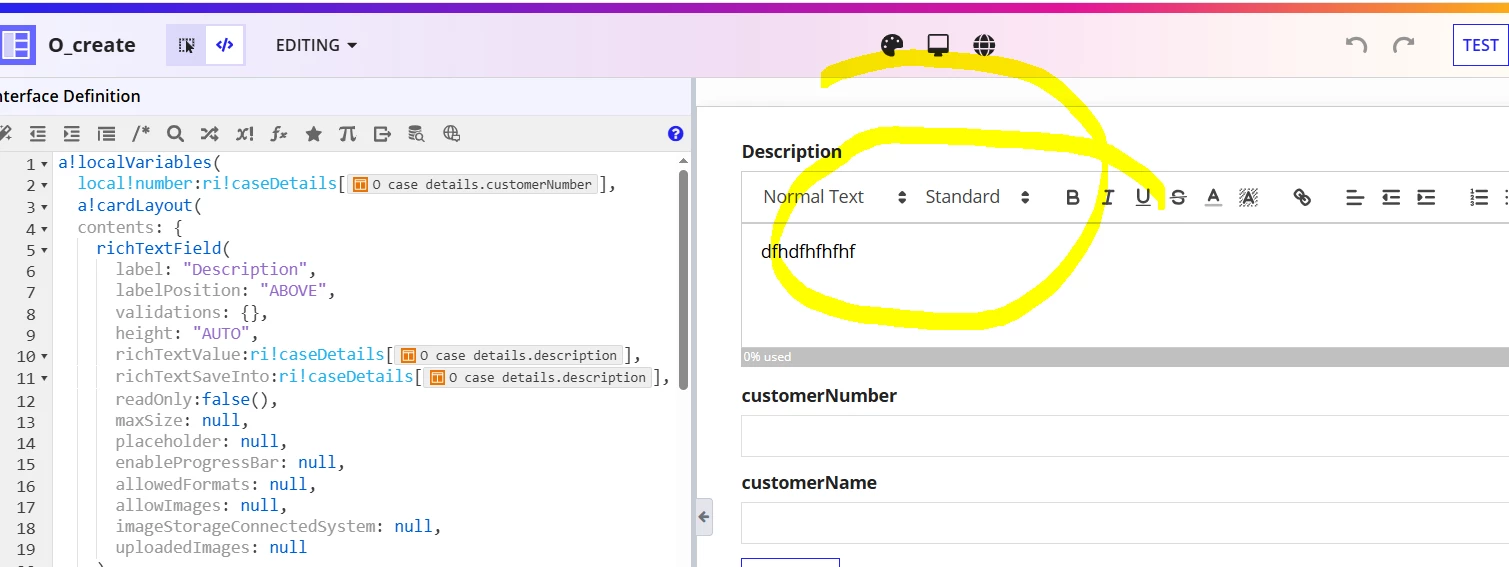
richtext editor is not working as expected in on ON-Premises but the same function working in on appian community edition 
Appian community edition screenshot.
could you please suggest me if i missed anything.

thanks

    4 replies

    stefanhelzle0001
    July 29, 2025

    Any reason to not use the styled text editor?

    Failing UI plugins typically point to a missing split domain setup for static/dynamic content. If this is the case, the document viewer will fail as well.

    August 4, 2025

    Hi [mention:a11f77a729fb4db2af76b09948583328:e9ed411860ed4f2ba0265705b8793d05] ,

    Thanks for your response,

    styled text editor working fine but we have recently installed the rich text plug in it seems not working as expected,

    do we need to add any other ?

    mikes0011
    Brainy
    August 4, 2025
    styled text editor working fine but we have recently installed the rich text plug in it seems not working

    The Styled Text component is much newer and effectively replaces the Rich Text Editor plug-in, for all but a very specific set of corner cases, just FYI.

    August 4, 2025

    Hi [mention:cb656964172a4c65ba07f4d4ada5a0c6:e9ed411860ed4f2ba0265705b8793d05] ,

    I previously faced the similar issue on our on-premise system while using the richTextEditor field.
    Upon analyzing, I identified that we missied configuring the Dynamic Content URLs and the static URLs. 
    You can refer to the documentation from Appian.

    Rich text editor component troubleshooting guide

    Configure your static and dynamic content urls