

KB-2071 Unable to see configuration tabs on nodes in Process Modeler
Symptoms
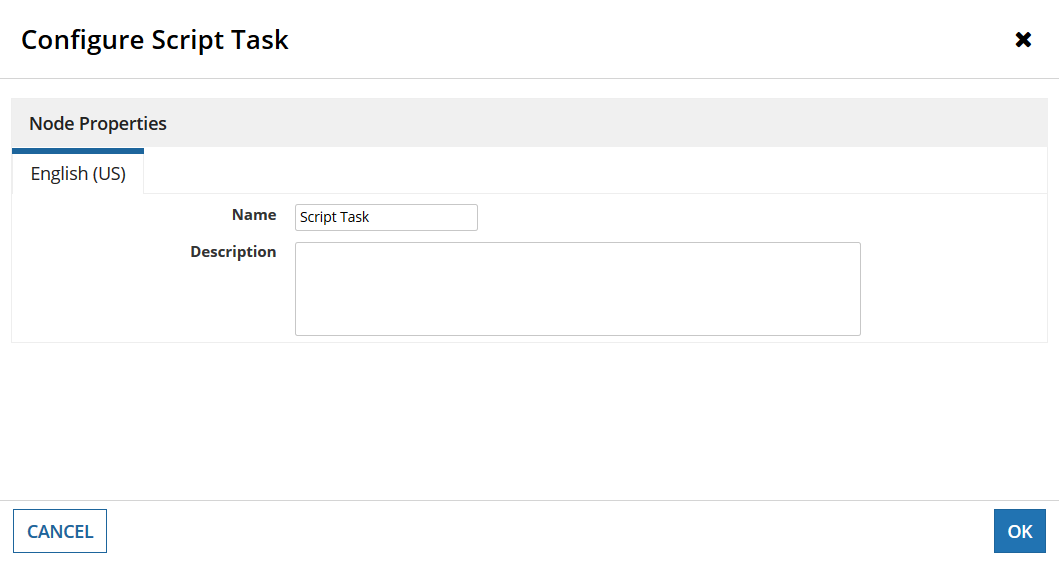
When viewing a process model node, the configuration tabs are not visible and only the following can be seen:
Cause
The Process Modeler is currently in Process Analyst View. This can be configured when viewing a process model opened from Designer, but persists when viewing other process models or live processes from the Monitoring tab.
Action
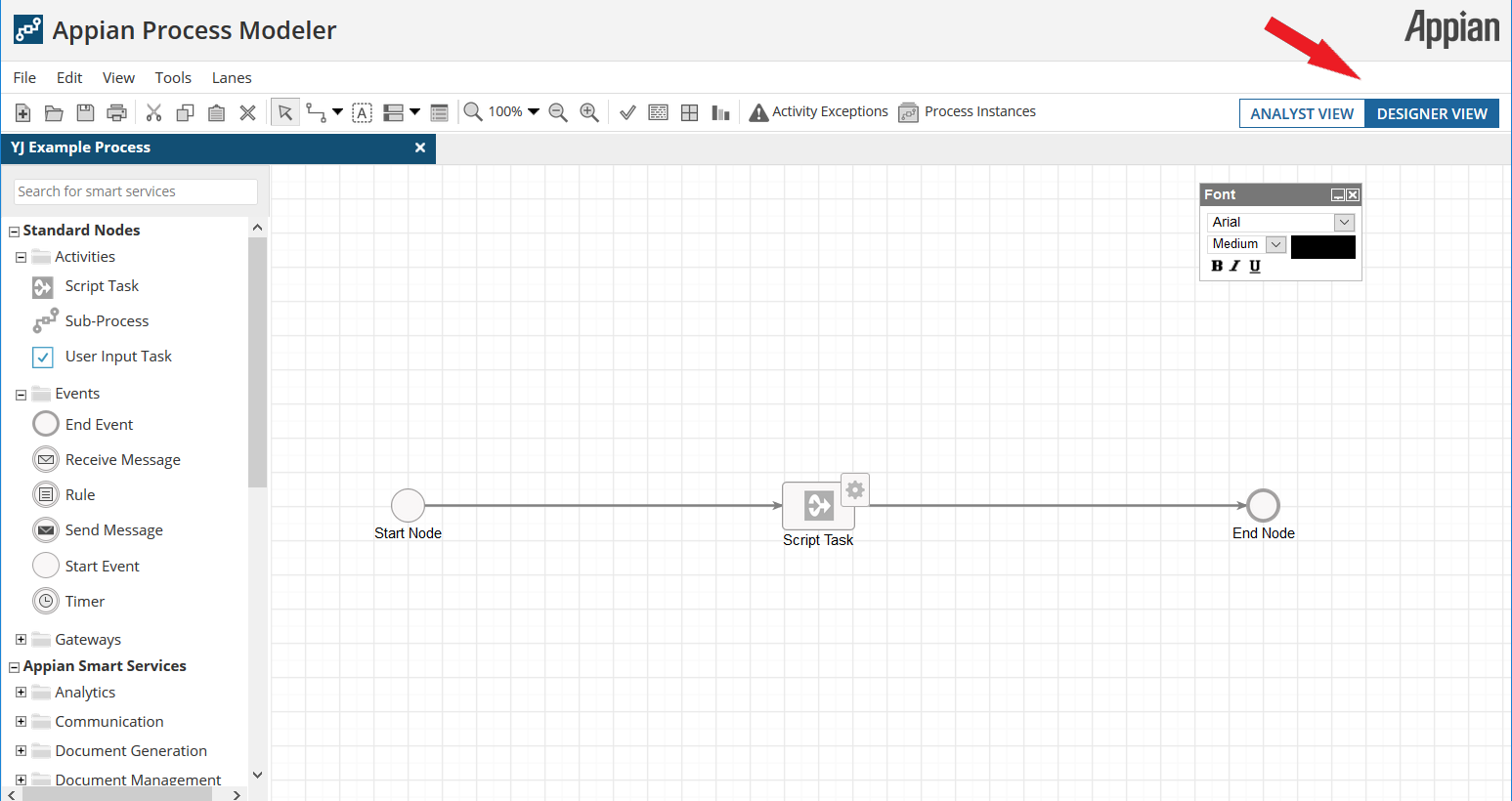
- Open the process model object. Switch to the Process Designer View using the toggle in the top right of the display.
- Close and reopen any process models or process instances that are being viewed.
Affected Versions
This article applies to all versions of Appian.
Last Reviewed: January 2020